Every server you run, in one window.
Termora is an SSH client for Windows, Linux and macOS. Hosts, keys and sessions are stored in an encrypted vault on your computer.
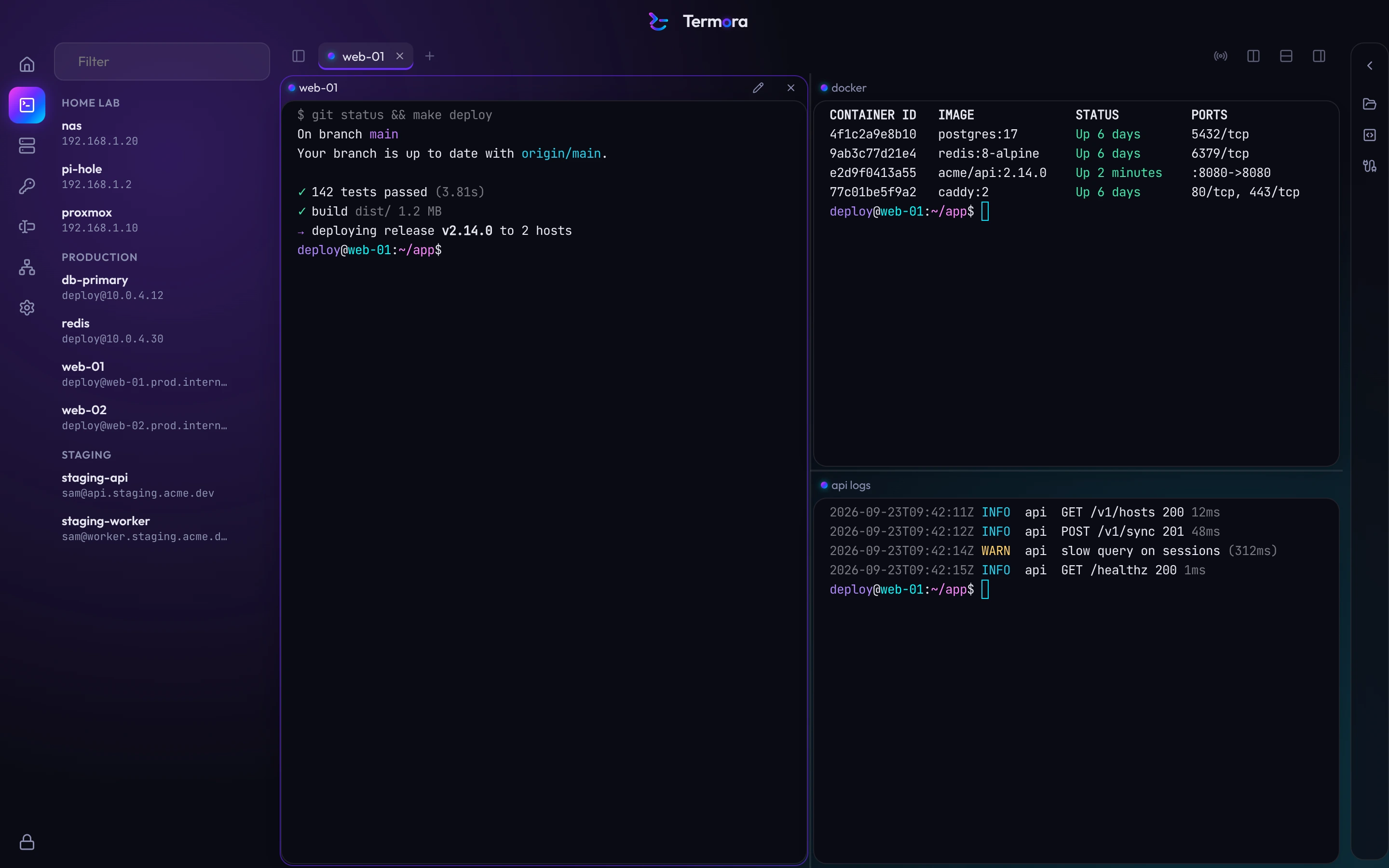
One shortcut for everything.
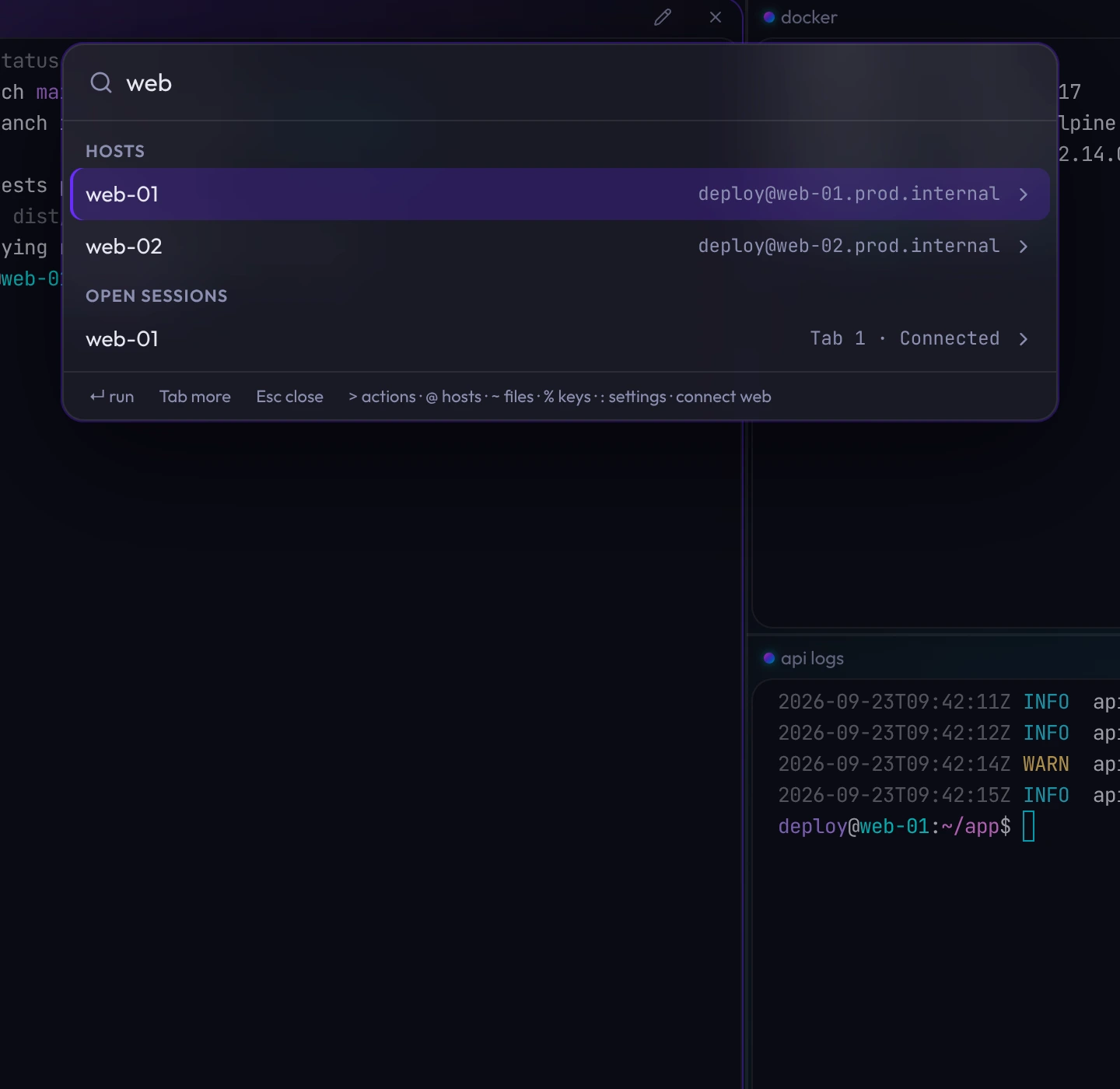
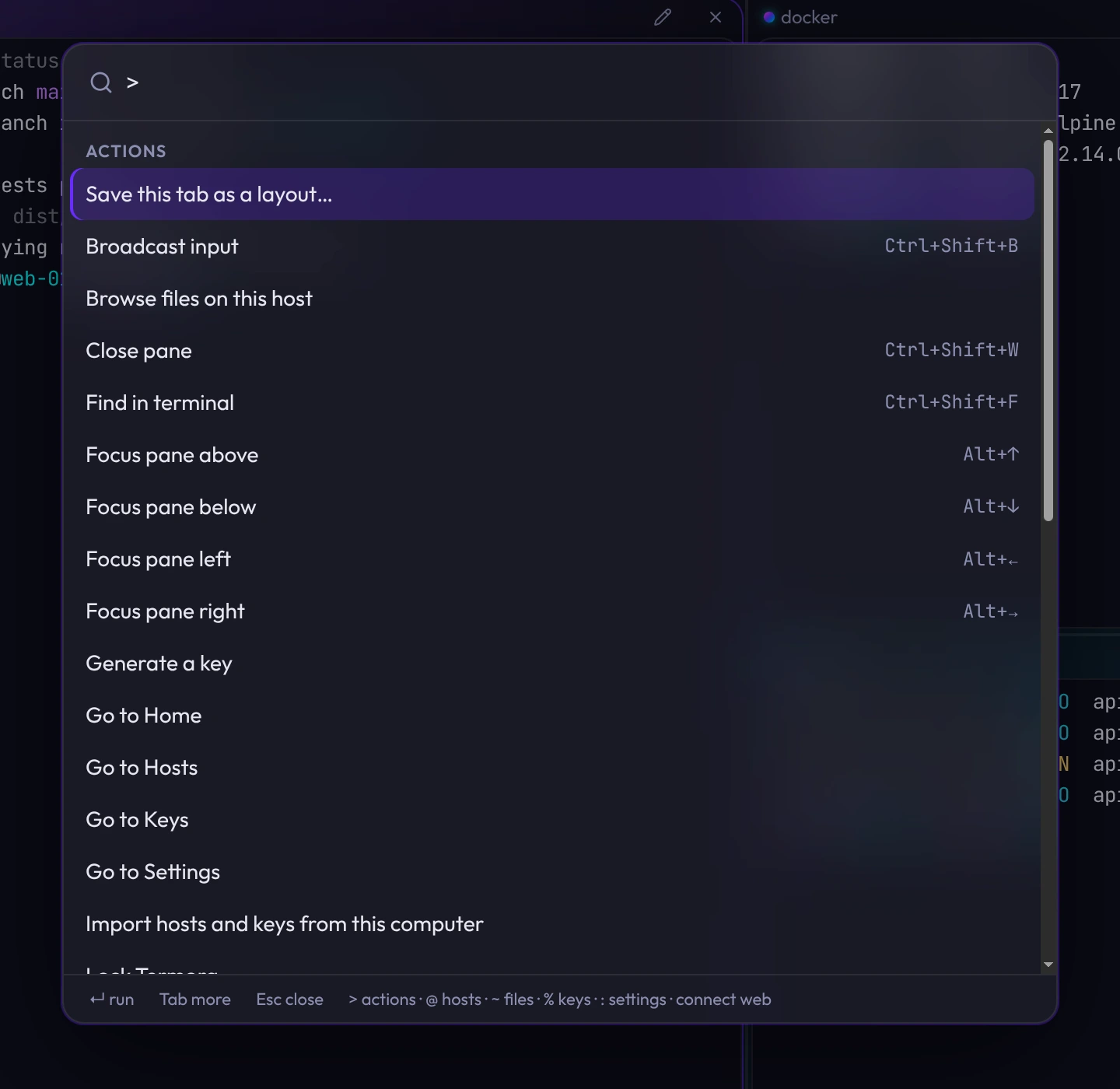
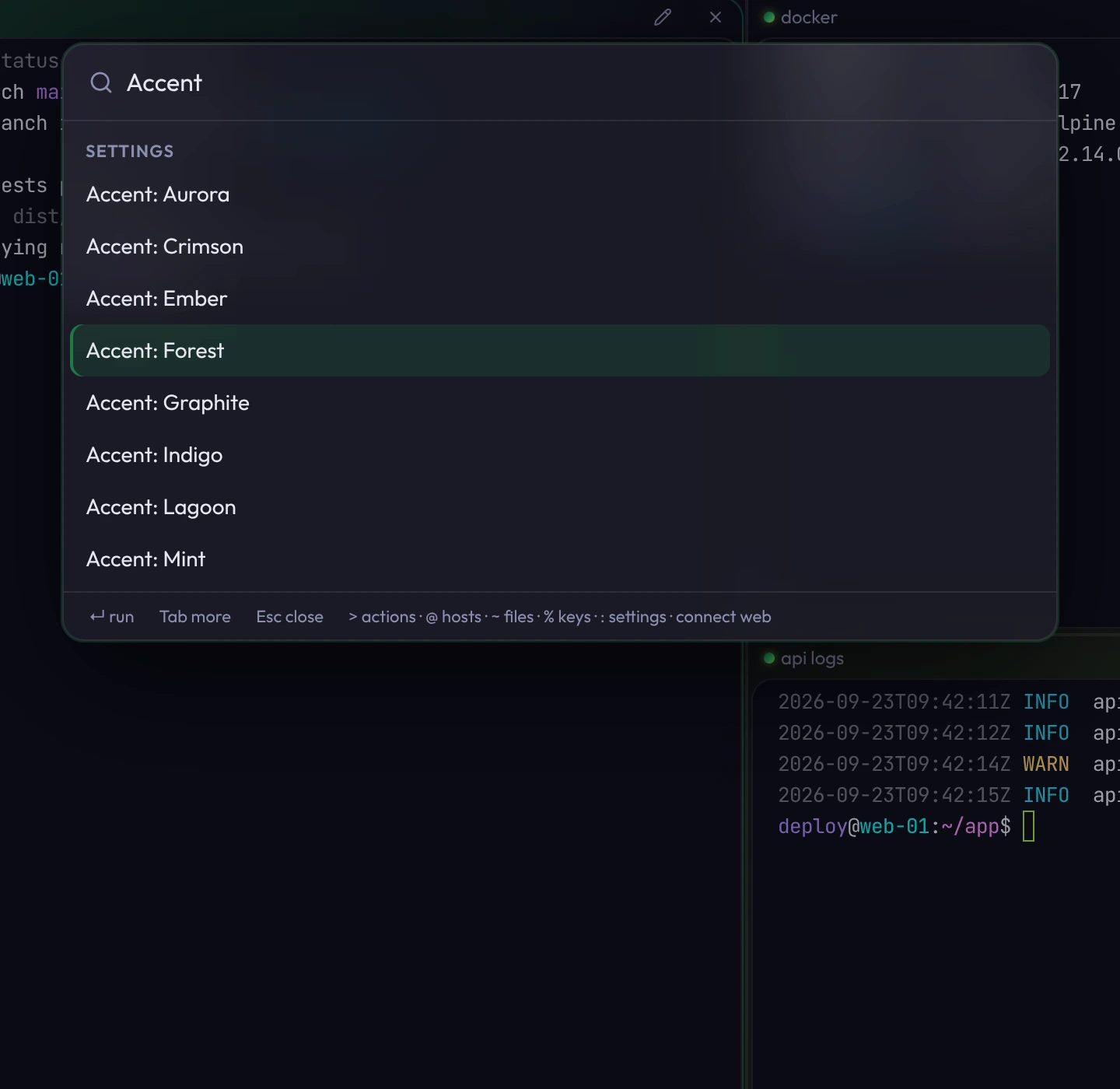
Press ⌘KCtrlShift` anywhere and start typing. Hosts, sessions, keys, layouts, themes and actions are in one list, ranked by what you use most.
split db-primaryStart with an action: connect, split, edit or theme.root@10.0.9.14Type an address to connect without saving it.Accent: ForestHover a theme or accent to preview it.
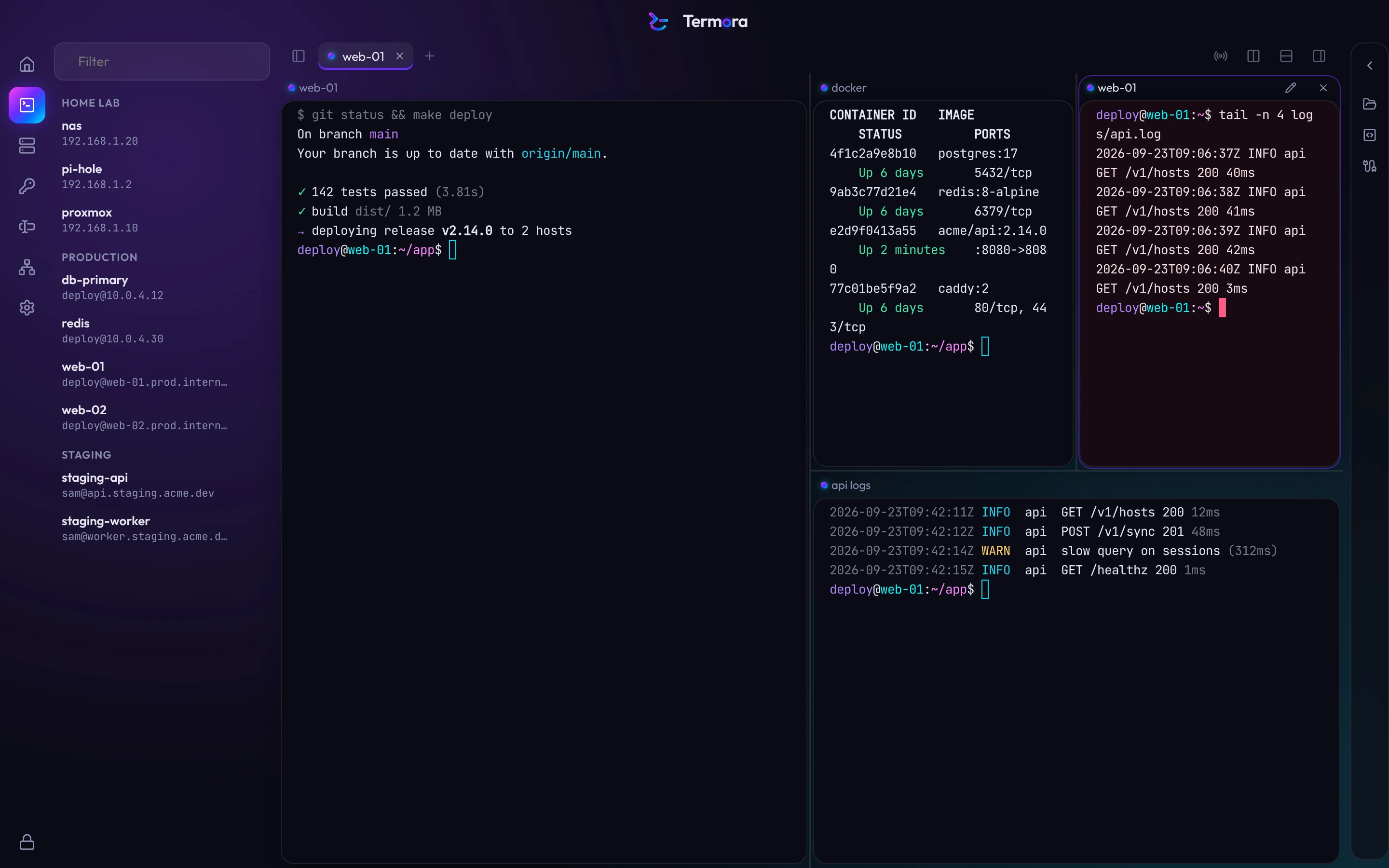
Split panes, any way you like.
Drag a tab, pane or host onto a pane to split or swap. Sessions keep running while you rearrange, even across tabs. Name panes, and type into all of them at once with broadcast input.
- Command Center
- ⌘KCtrlShift`
- Split right
- ⌘DCtrlShiftE
- Type into every pane
- ⌘⇧ICtrlShiftB
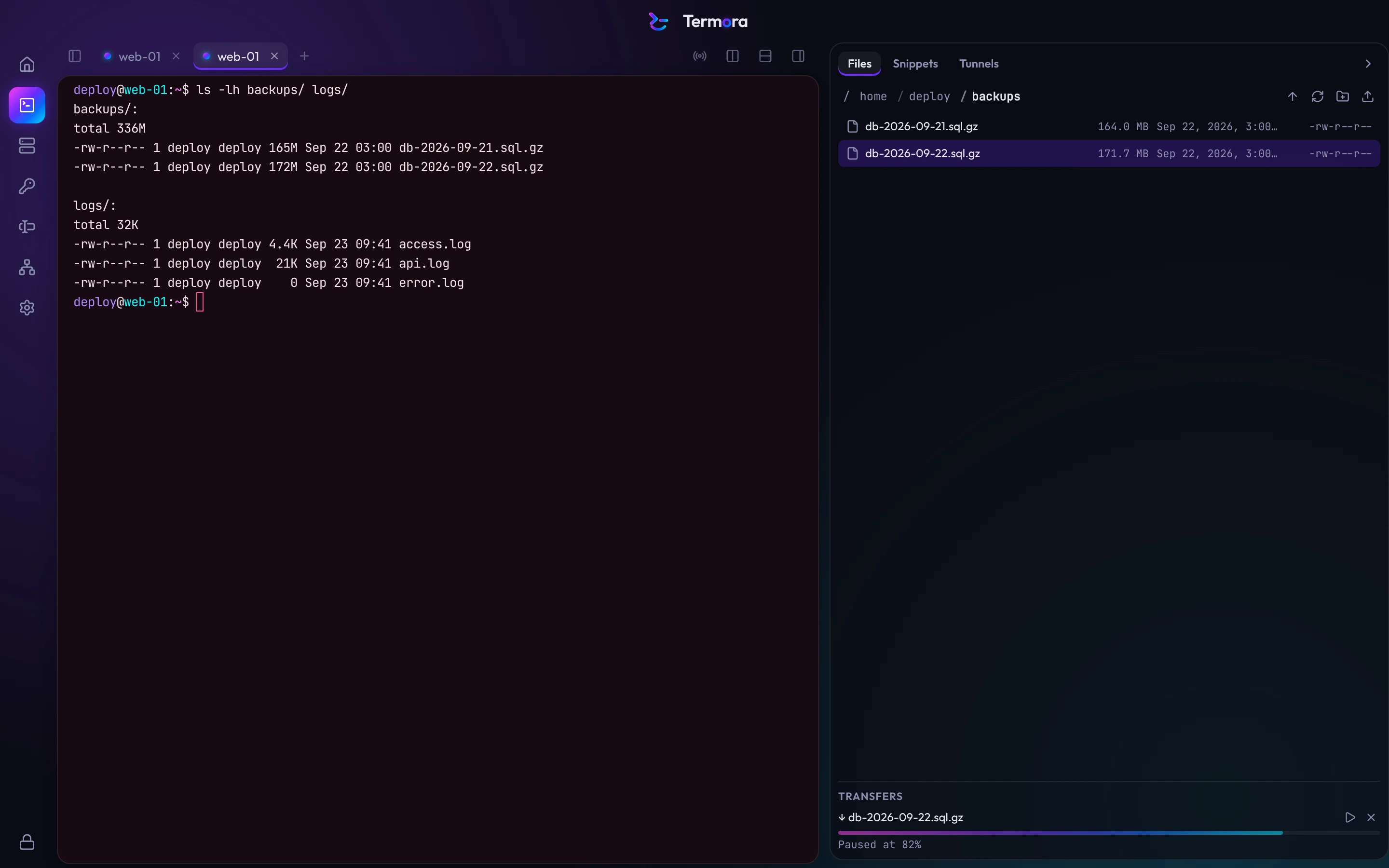
Files and tunnels.
Open Files from the rail on the right, or right-click a terminal and choose Browse files. Termora uses the connection that's already open.
- Resumable transfers
- Pause and resume large files. If the connection drops, the transfer continues when it's back.
- Edit in your editor
- Open a remote file in your own editor. Termora uploads each save.
- Tunnels
- Local, remote and SOCKS tunnels, saved per host. Start them on connect or on their own.
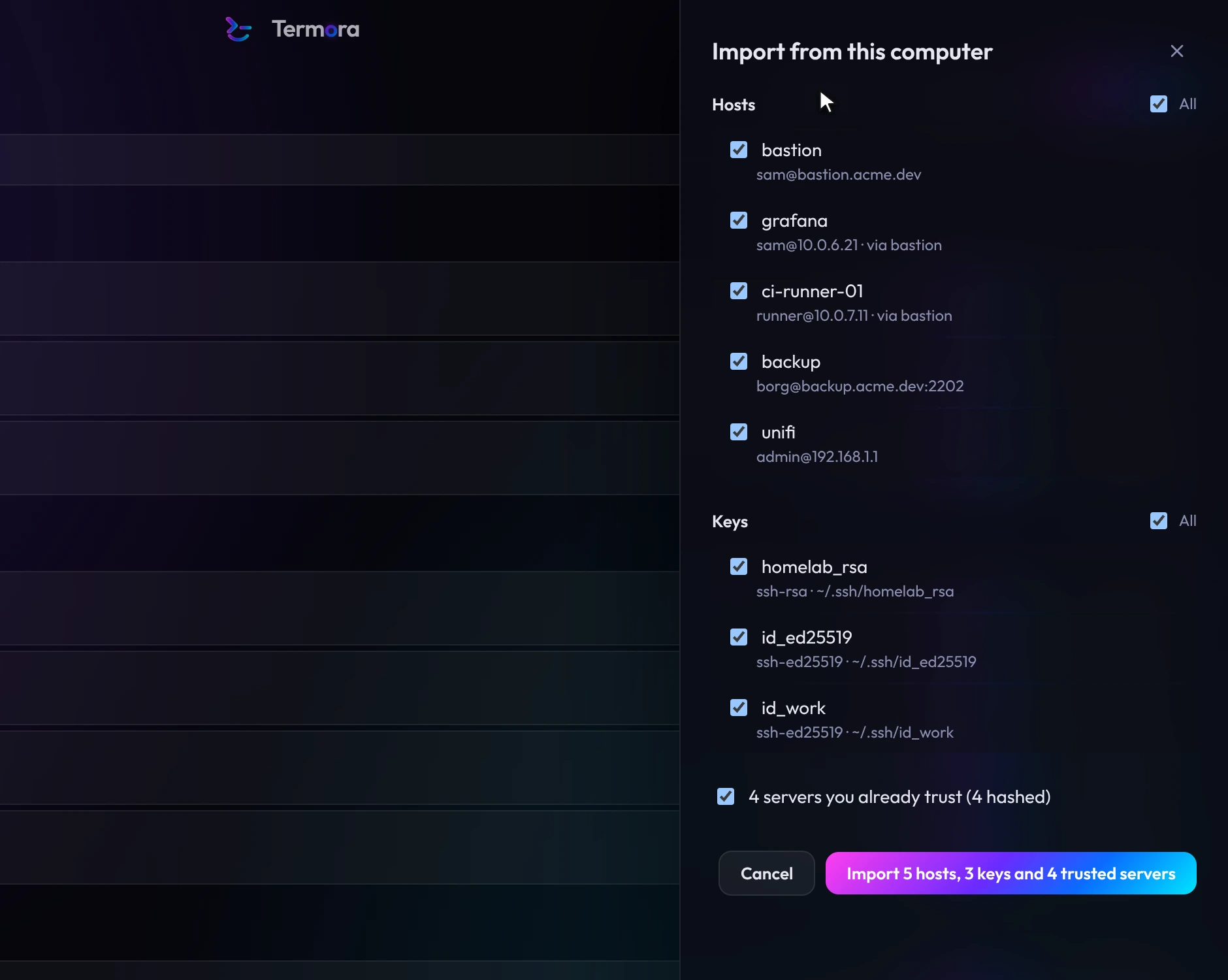
Import your SSH setup.
Termora reads your ~/.ssh/config, keys and known_hosts, and PuTTY sessions on Windows. Choose what to import, and Termora stores it in your vault.
Servers already in known_hosts won't ask to be trusted again.
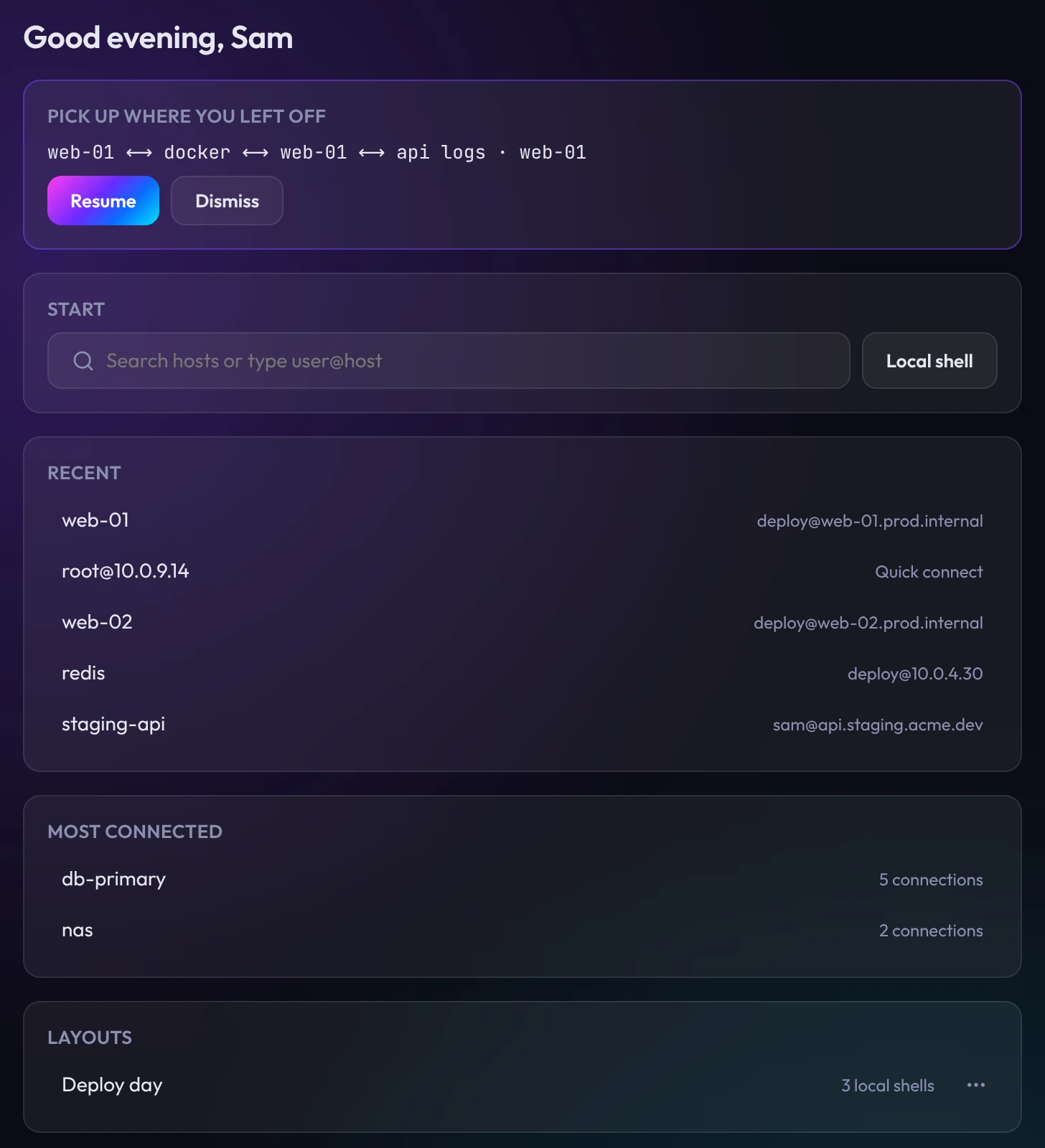
Pick up where you left off.
Termora opens on Home, with the servers you use most and the tabs you had open.
- Recent and Most connected
- The servers you connect to most.
- Resume
- Reopen the tabs and splits you had open.
- Layouts
- Save a tab of splits and reopen it later.
- Your Termora
- Commands run, time connected, streaks and badges. Counts only, stored on this computer.
A colour for each environment.
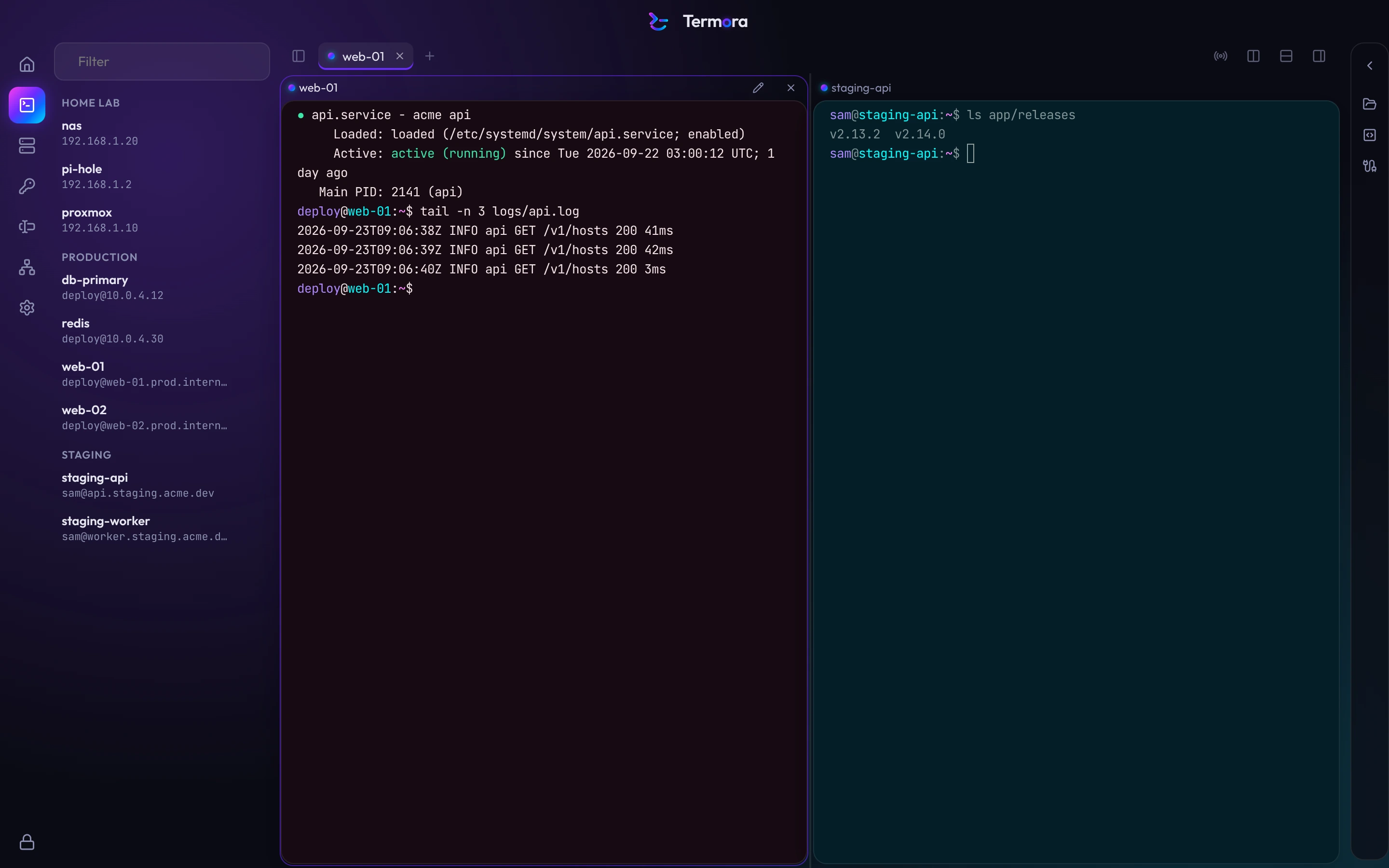
Set a terminal theme on a group and every host in it uses that theme. Here web-01 is in Production and staging-api is in Staging.
- See where you're typing
- The whole terminal takes the colour, so production is hard to mistake.
- Set once
- Hosts added to the group later get the same theme.
- Side by side
- Panes in the same tab keep their own themes.
Groups share their settings.
Set an identity, port, jump host or terminal theme on a group and its hosts inherit it. Any host can override a setting.
Try changing the group's port or theme.
- Identity
deploywith the ci-deploy key- Port
Everything is encrypted, hostnames too.
Many SSH clients encrypt passwords and keys but store hostnames in plain text. Termora encrypts every record, so a copy of your vault file doesn't reveal your servers.
- 1Your master password
Never stored or sent anywhere.
- 2Memory-hard key derivation
Deliberately slow, so guessing passwords is expensive.
- 3Your vault key
Random and unique to your vault. Only decrypted in memory.
- 4Encrypted records
Each item is encrypted separately with authenticated encryption, so tampering is detected.
One saved host, as stored on disk
9f2c 71ae 0b4d e83f 5a61 c9d0 7e12 44b8 a3f6 0c9e 2d57 b1a4 68ef 13c0 d95b 7a28 f041 6ce3 8b1d 52a9 e7c4 309f 1bd6 84e2 af73 c518 06bd 3e9a 72f5 d460web-01, deploy@web-01.prod.internal:22, in Production, tagged nginx and eu-westWithout your master password, the vault file can't be read. Names, addresses, users, tags and keys are all encrypted.
- Keys stay out of the interface
- Private keys and passwords are decrypted only in Termora's security core, when a connection needs them, then cleared from memory.
- Changed host keys are blocked
- If a server's host key changes, Termora blocks the connection and shows the old and new fingerprints.
- Auto-lock
- Termora locks after a set idle time, on sleep and when the screen locks, and clears decrypted data from memory.
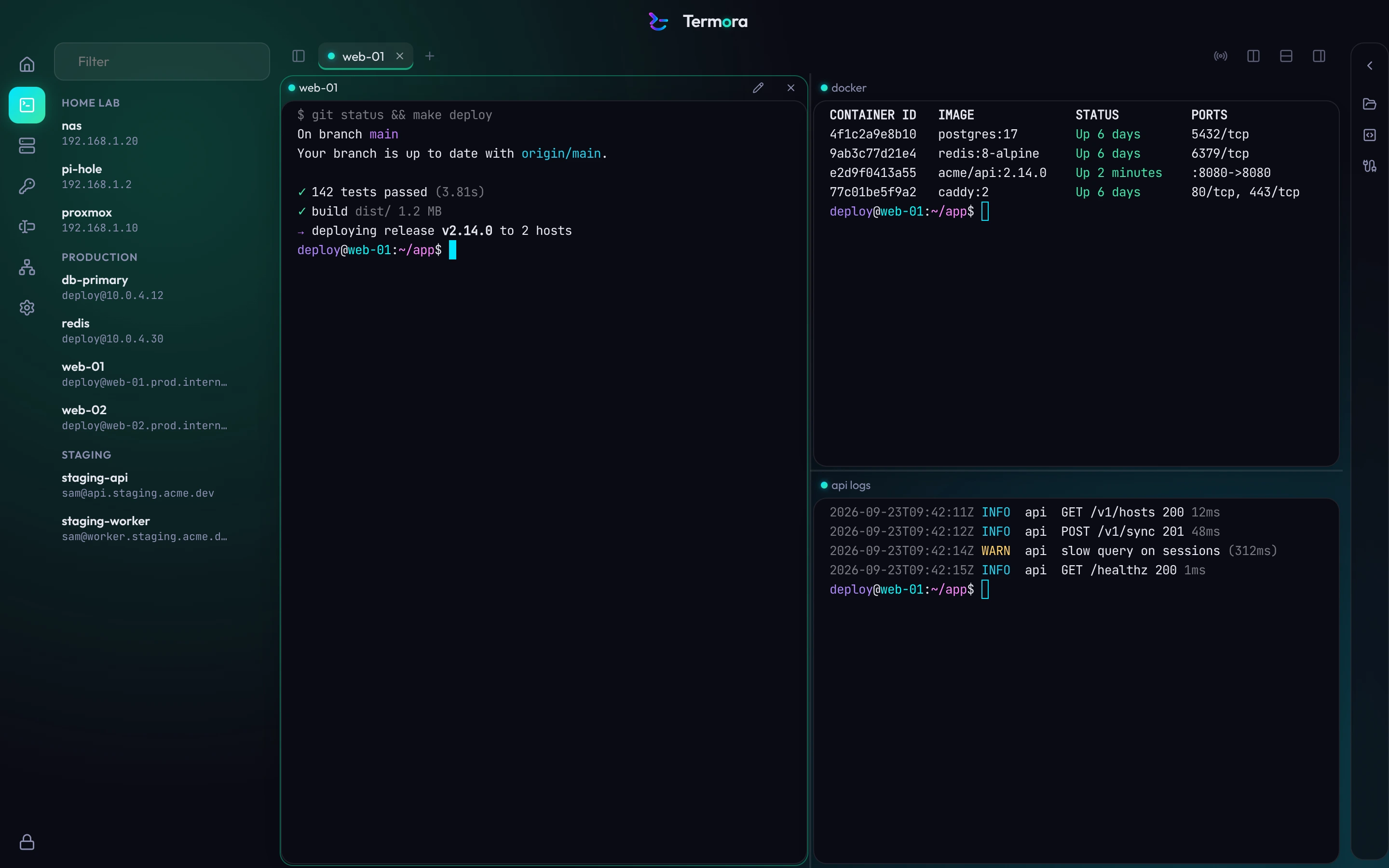
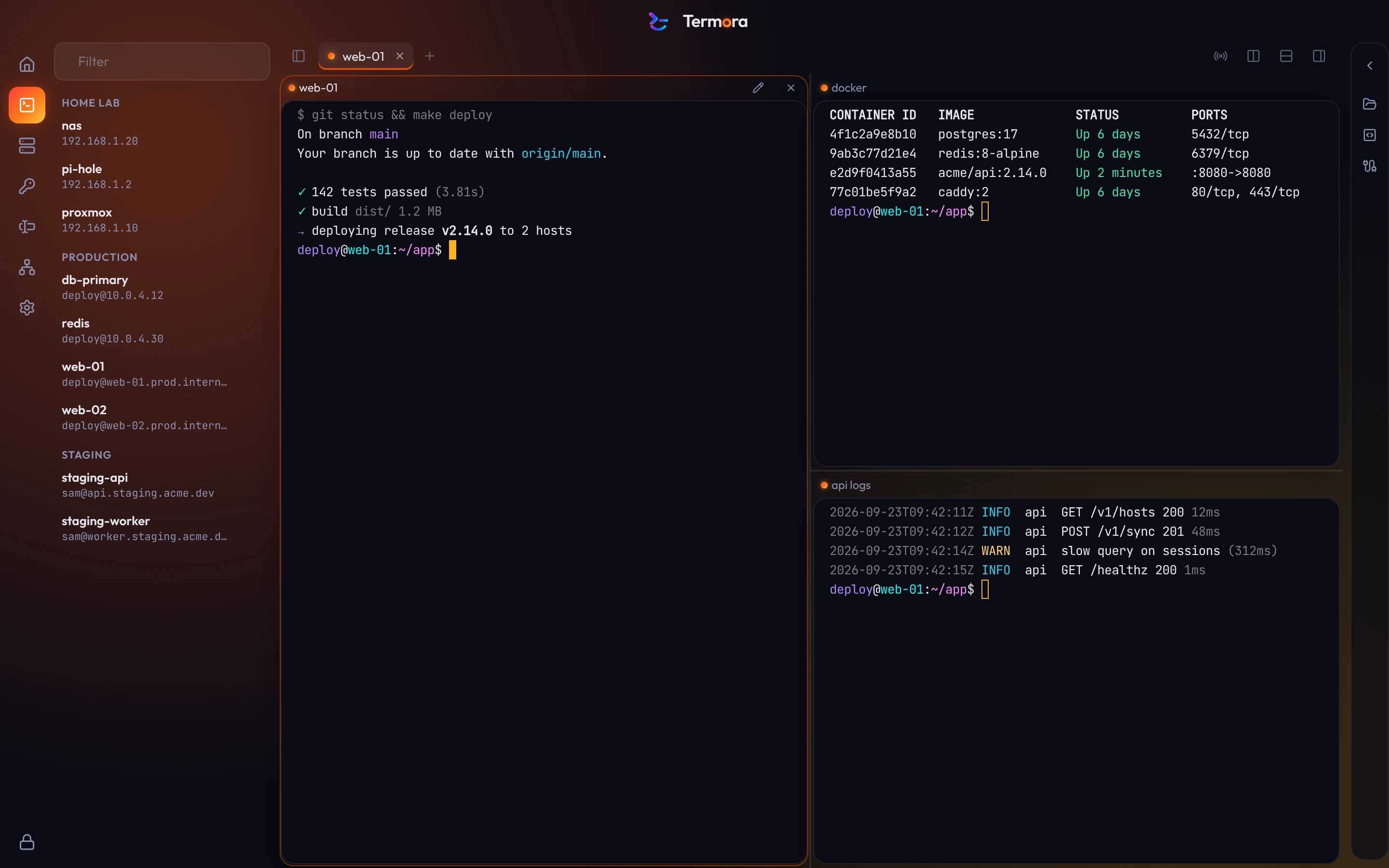
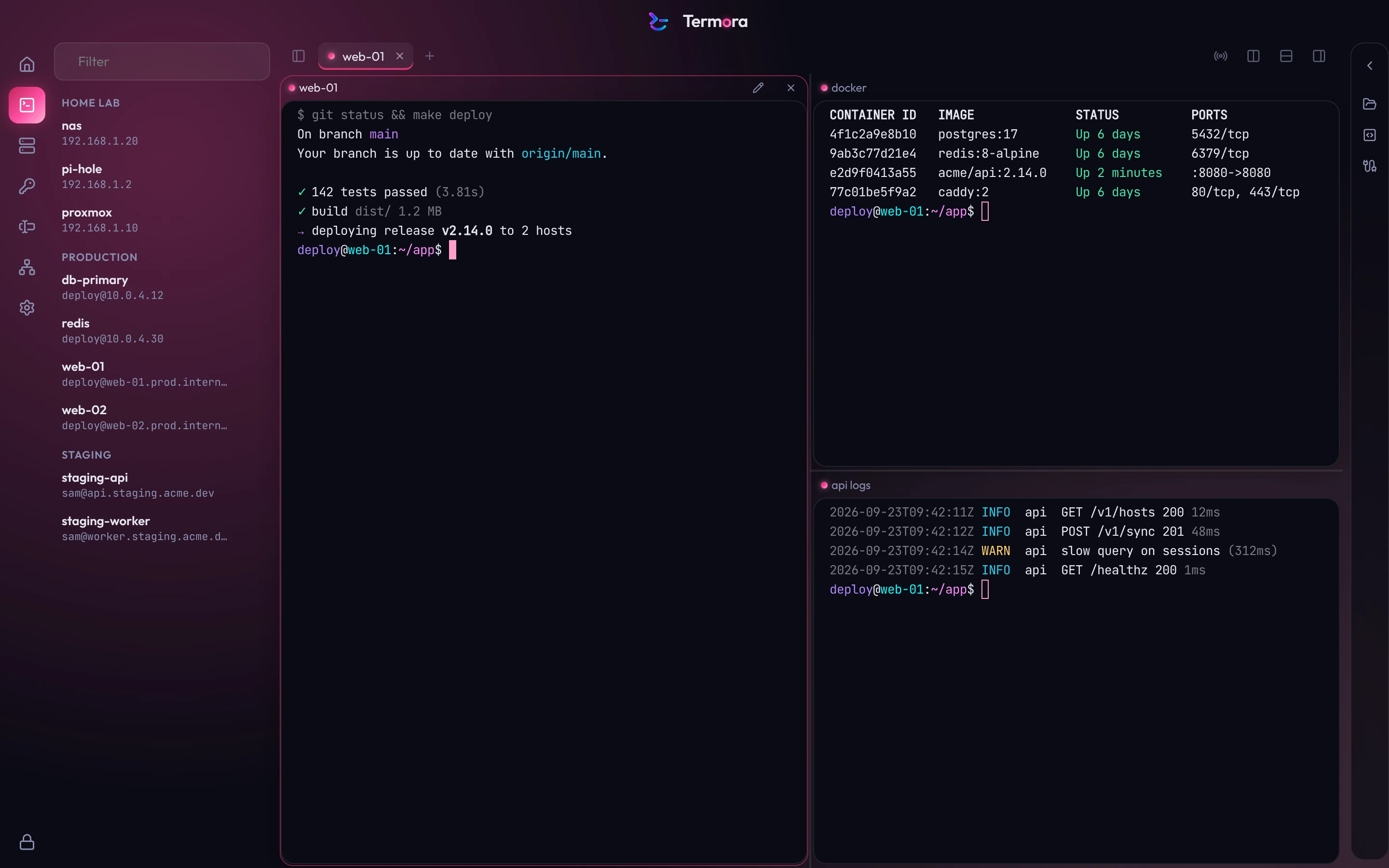
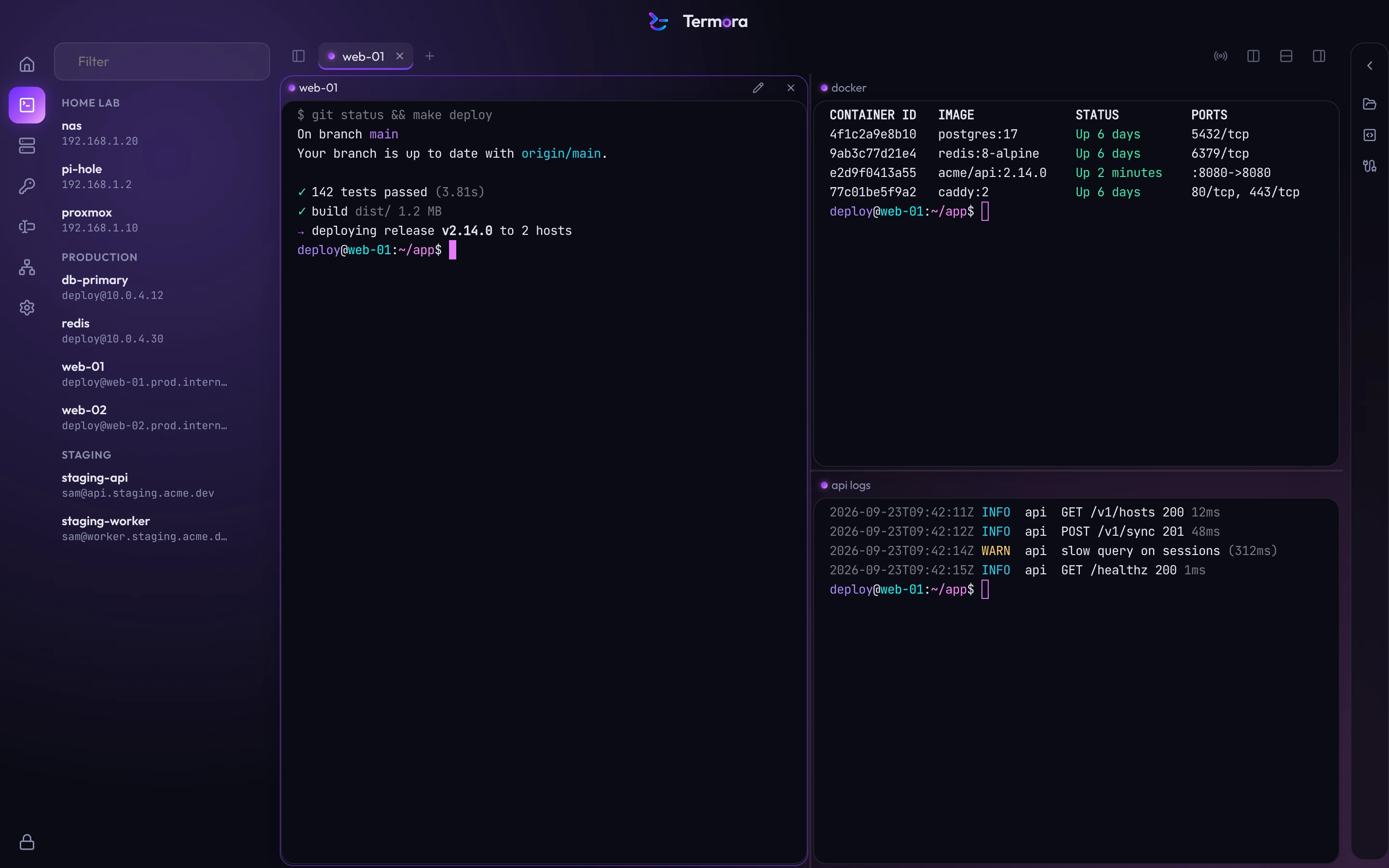
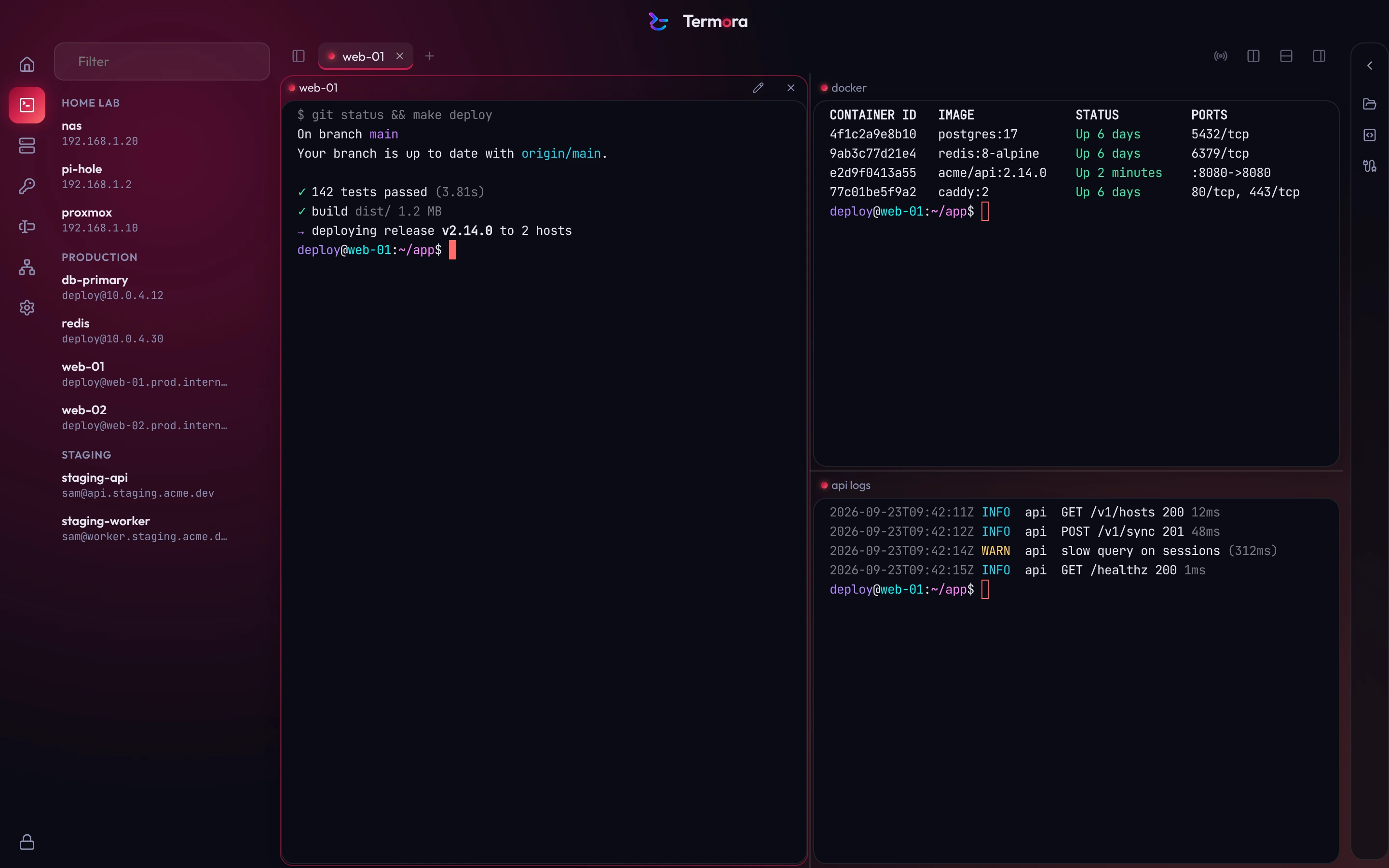
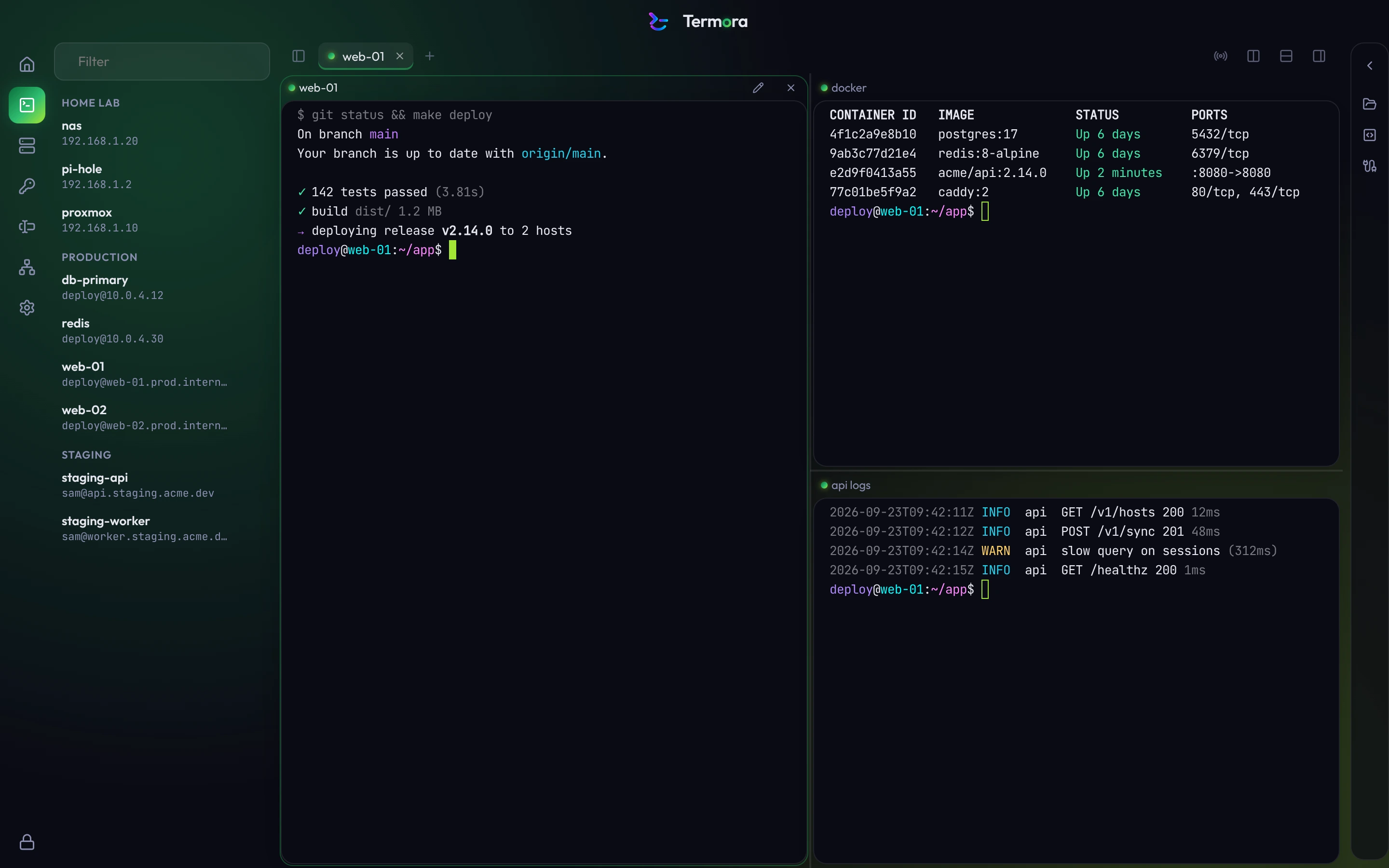
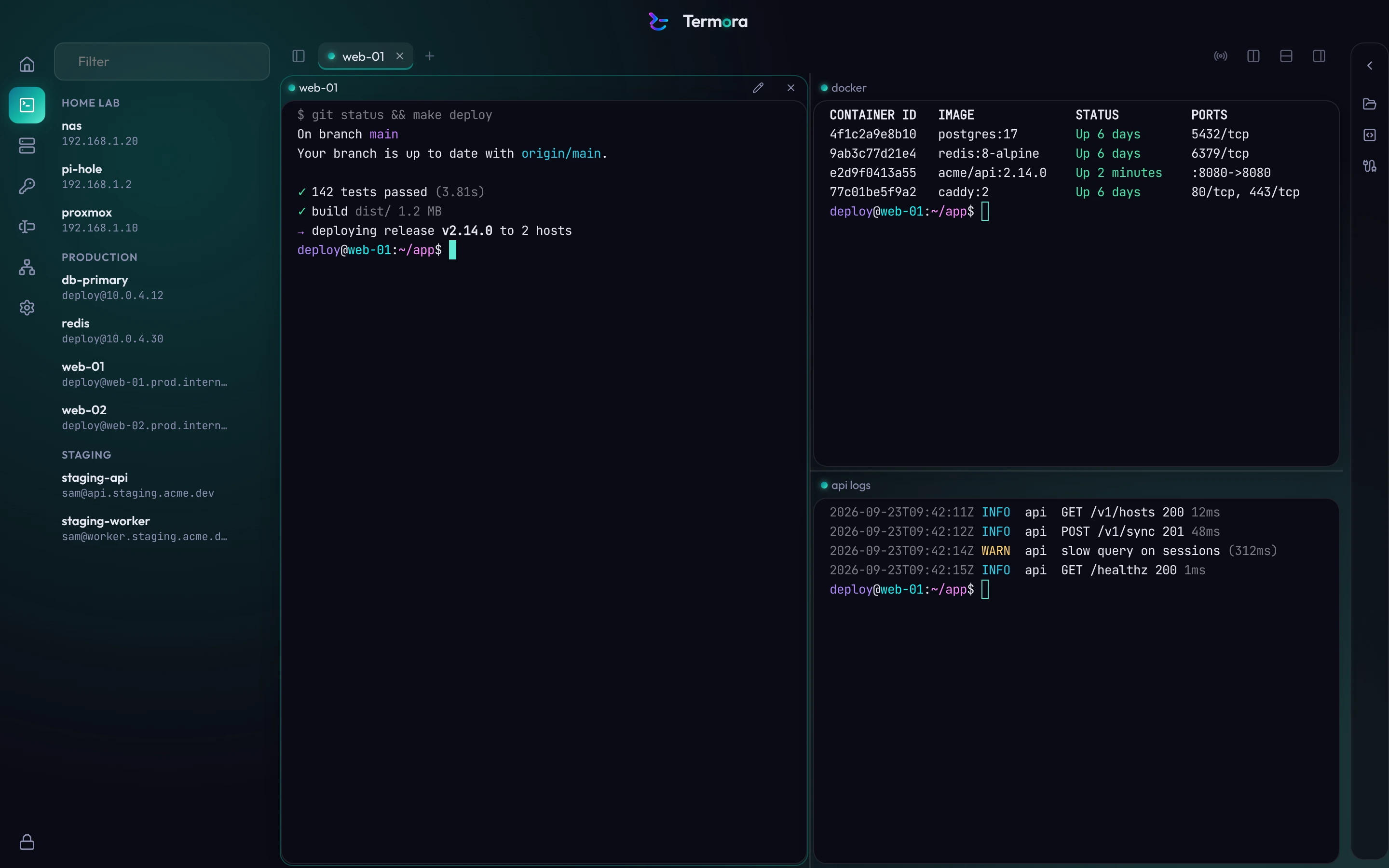
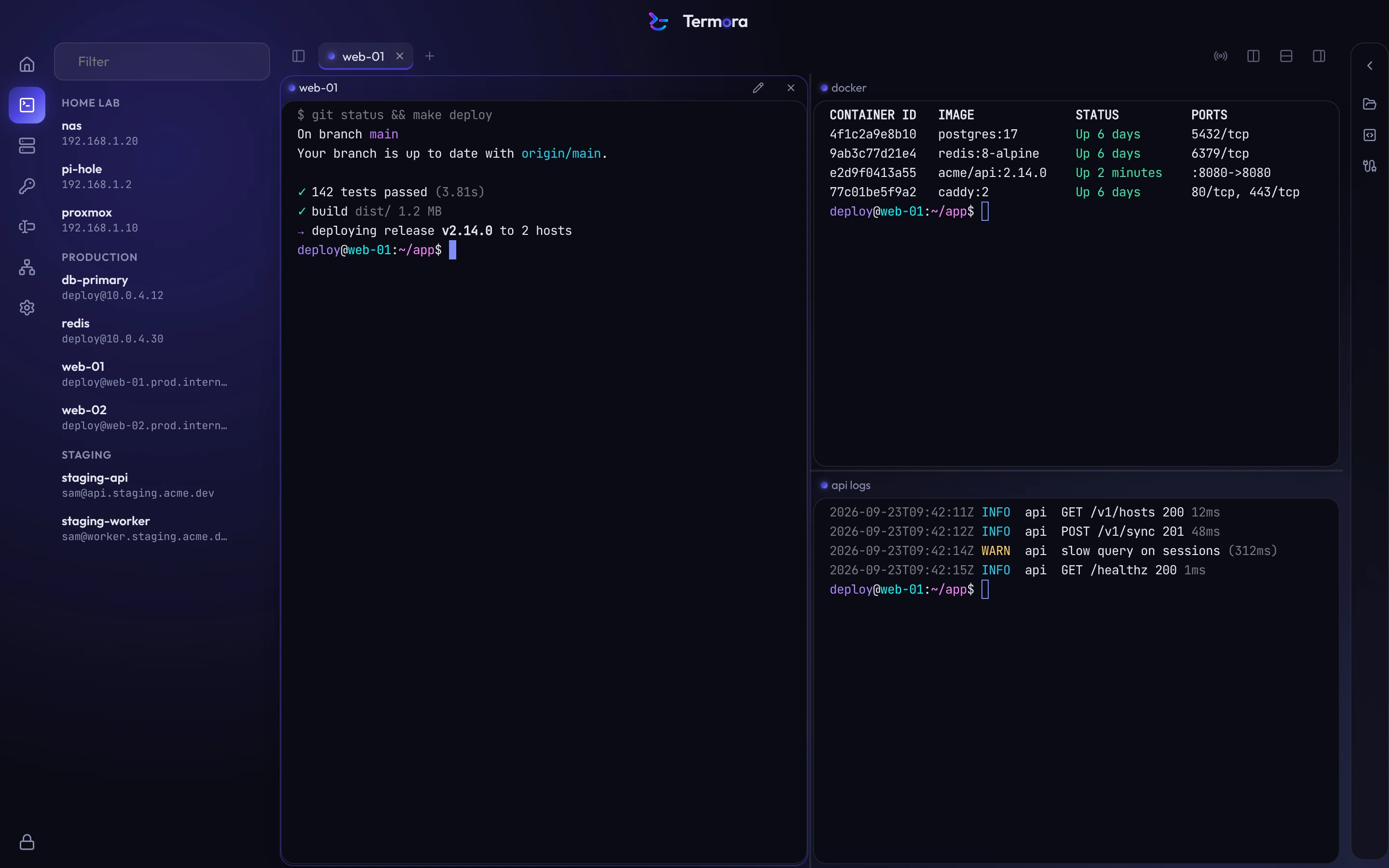
Accents and themes.
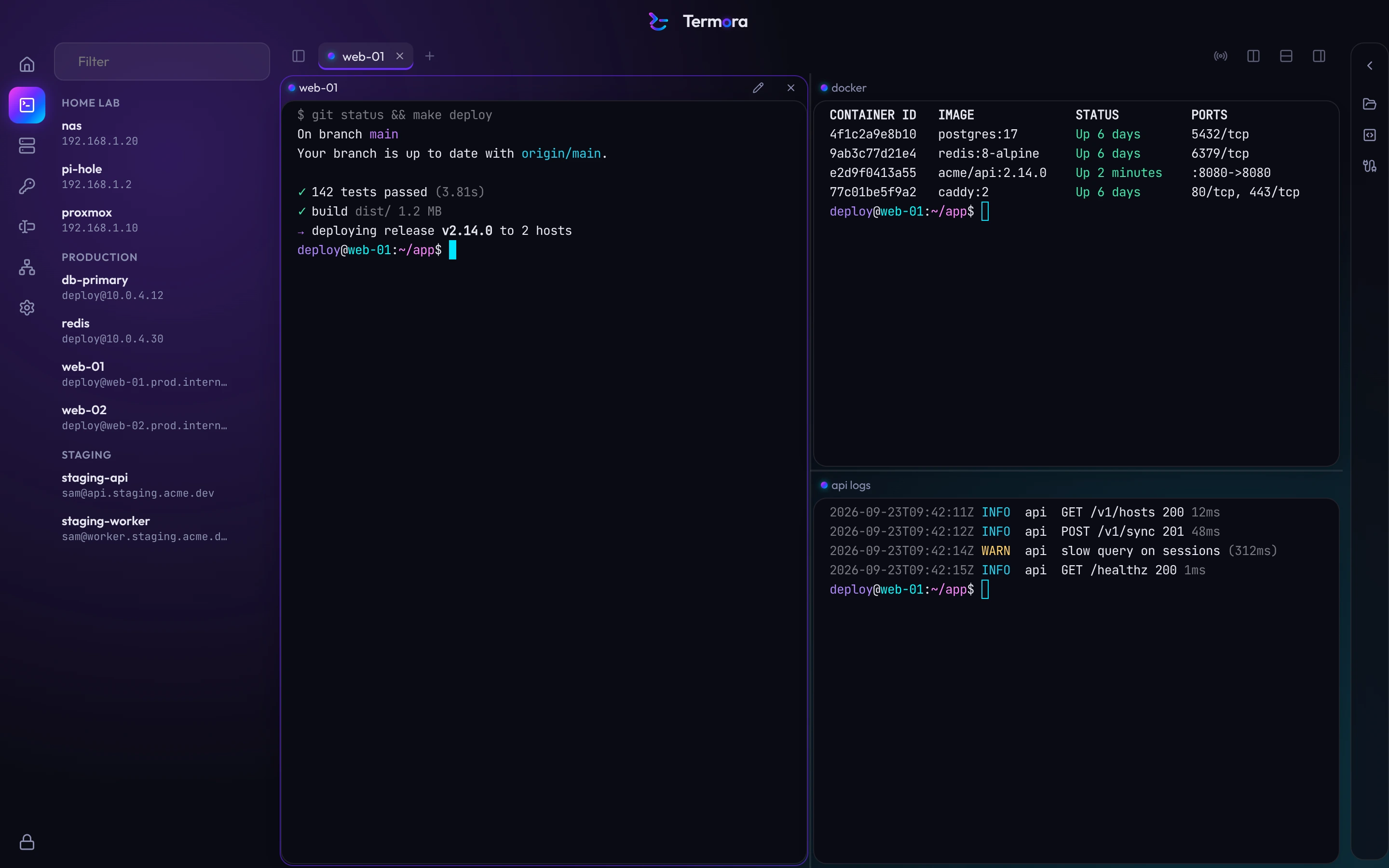
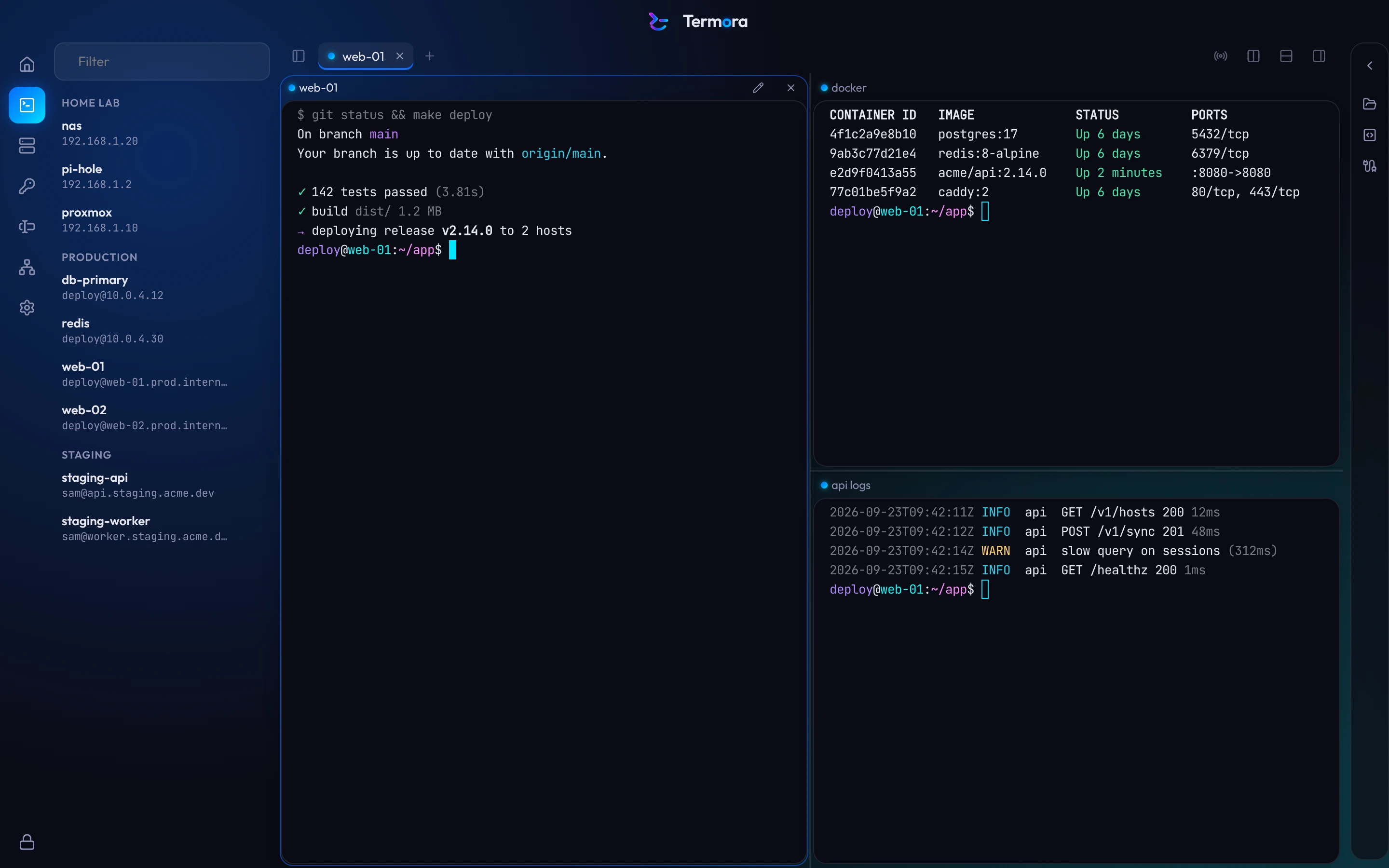
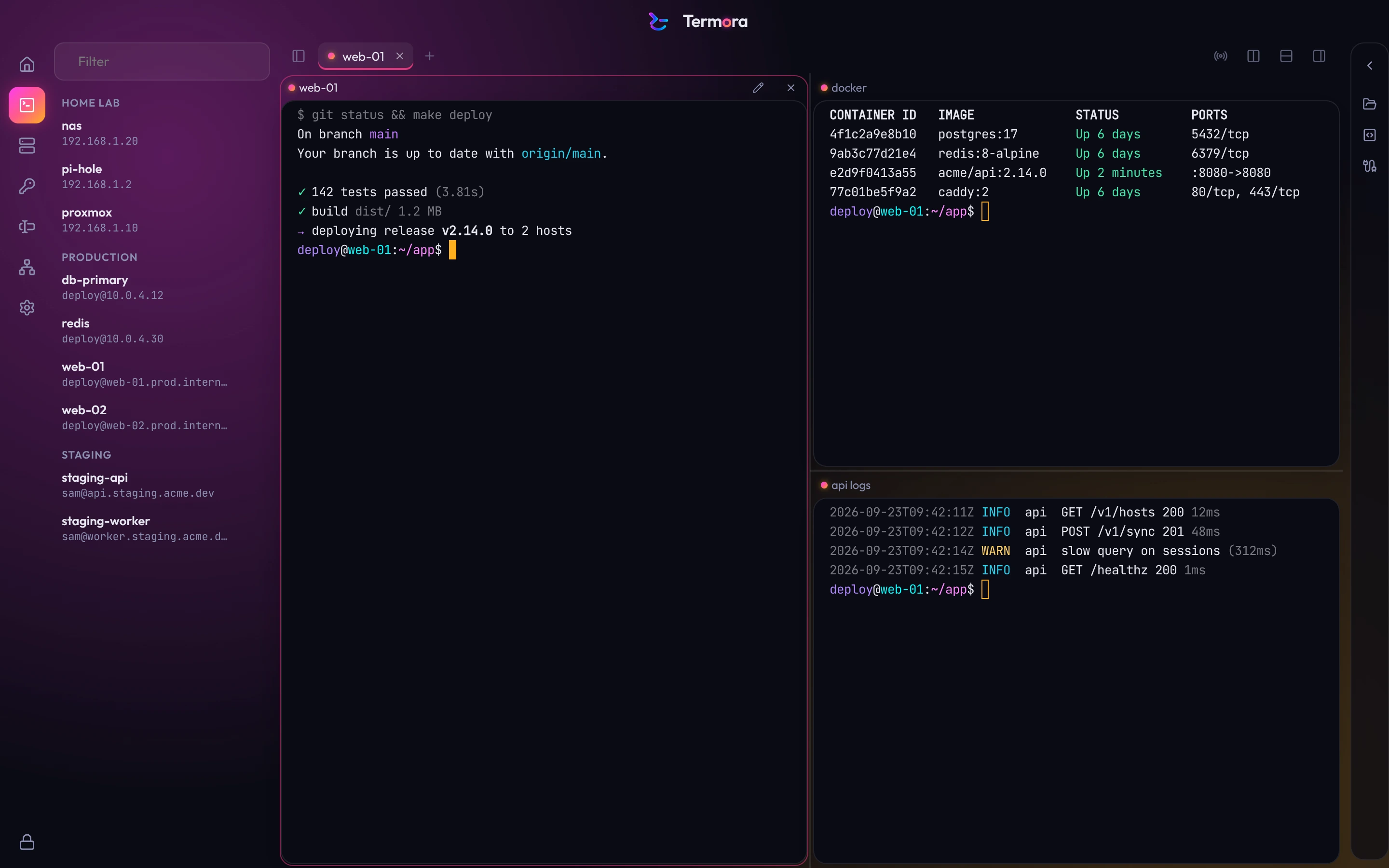
Twelve accents for the interface, light and dark modes, and 25 terminal themes, including Dracula, Nord, Rosé Pine and Kanagawa.
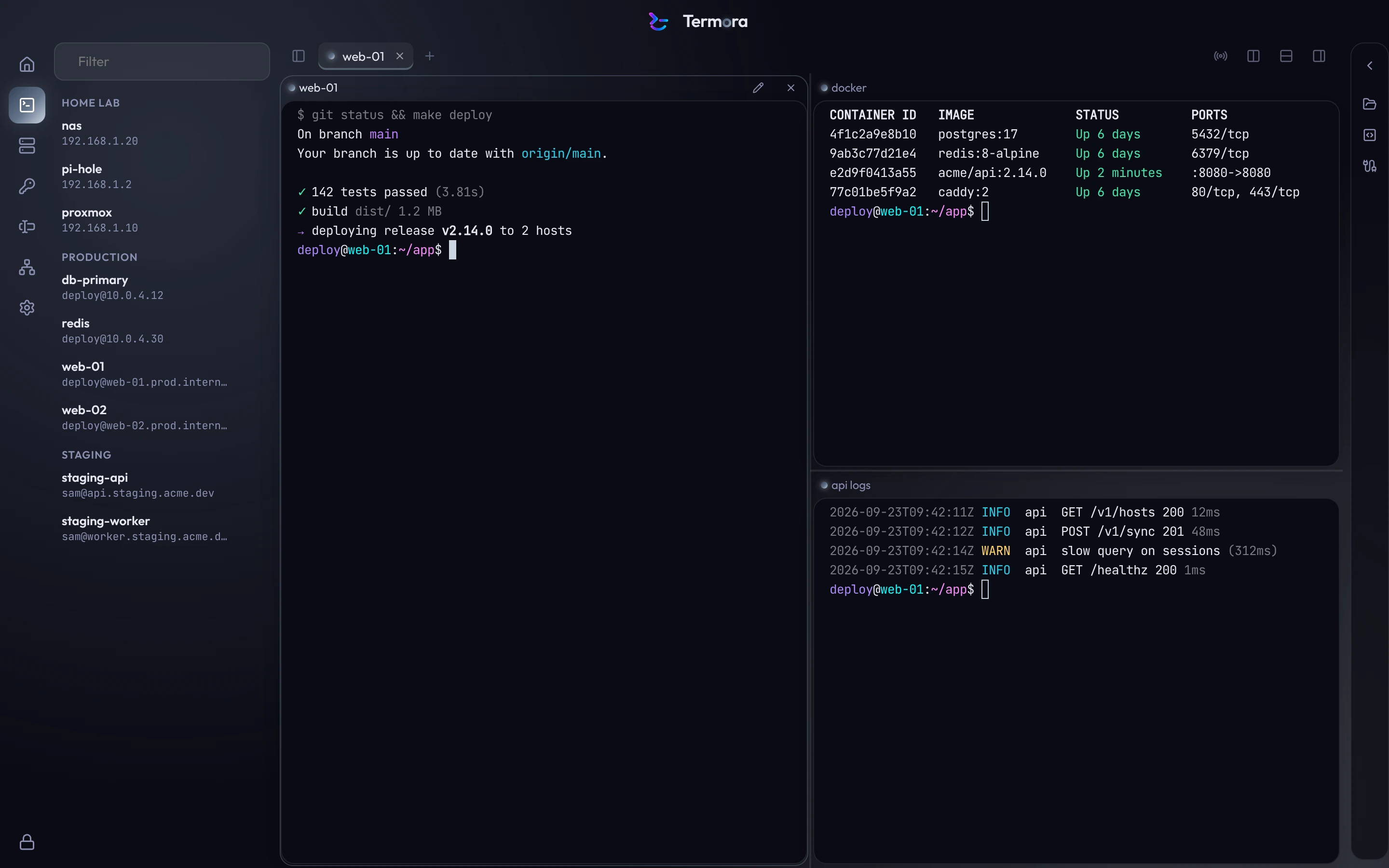
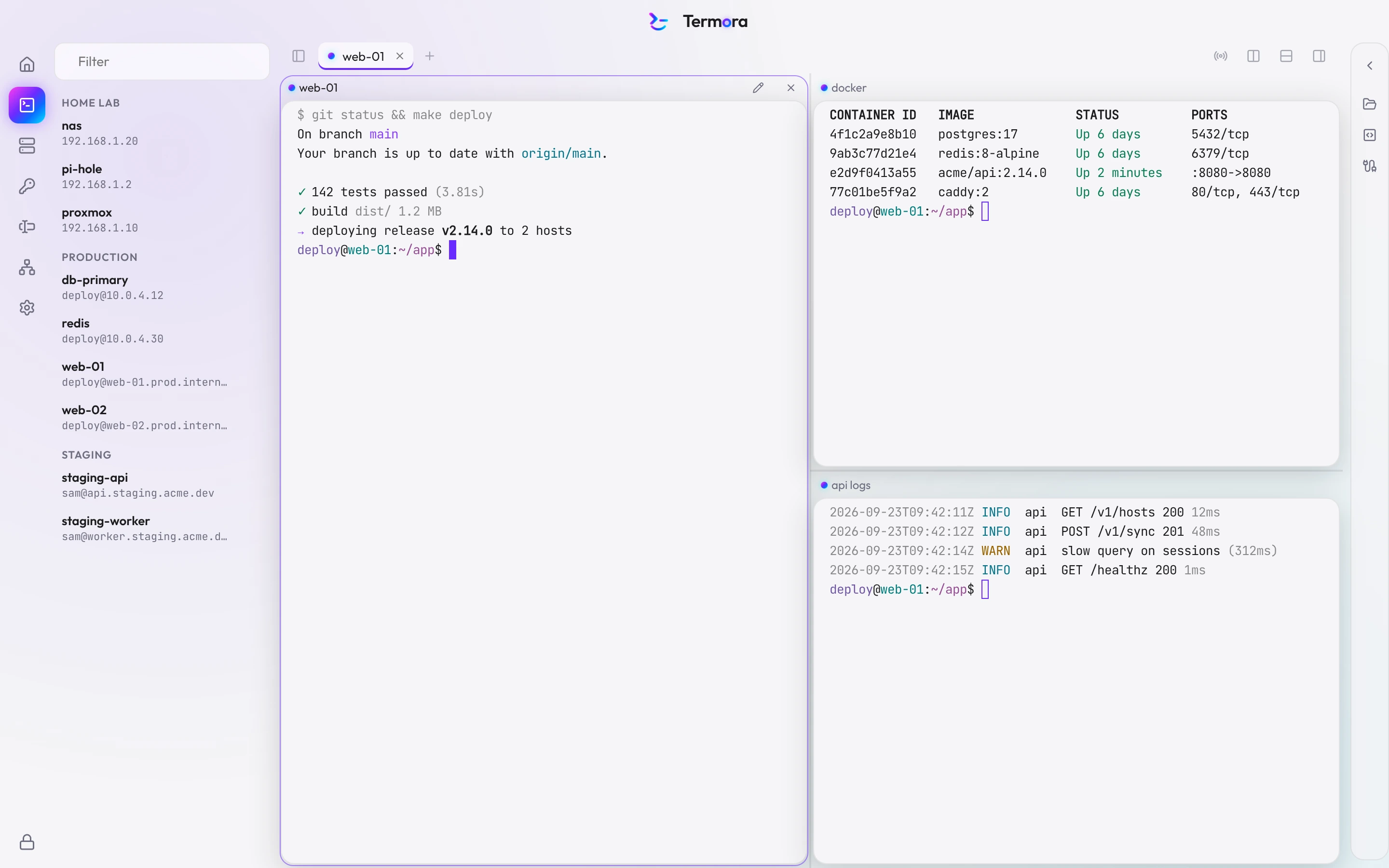
- Termora Dark
- Termora Light
- Termora Production
- Dracula
- Nord
- Catppuccin Mocha
- Solarized Dark
- Solarized Light
- Tokyo Night
- One Dark
- Gruvbox Dark
- Gruvbox Light
- Monokai
- Rosé Pine
- Rosé Pine Dawn
- Everforest Dark
- Kanagawa
- GitHub Dark
- GitHub Light
- Ayu Dark
- Catppuccin Latte
- Night Owl
- Tomorrow Night
- High Contrast Dark
- High Contrast Light
From install to first session in under a minute.
- 1
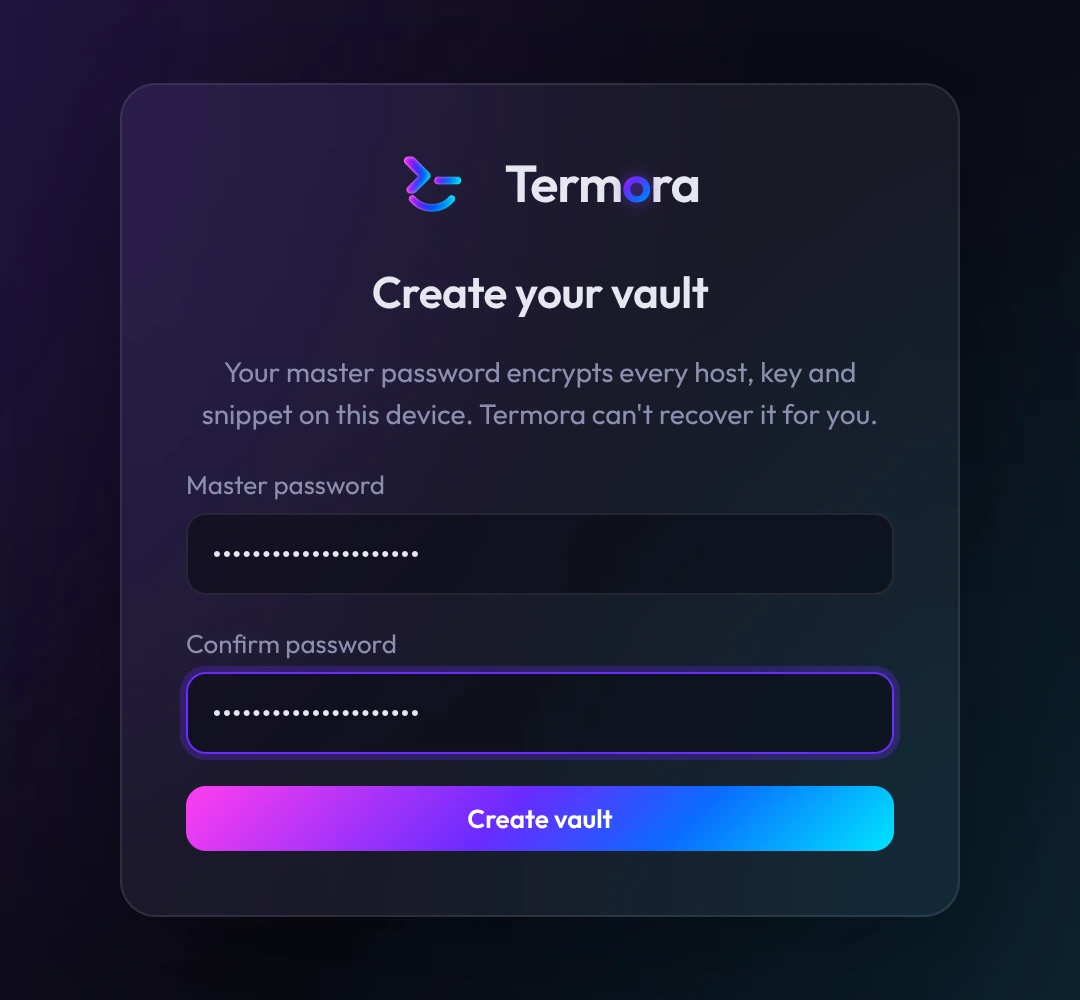
Choose a master password
It encrypts your vault. Termora doesn't store it and can't recover it.
- 2
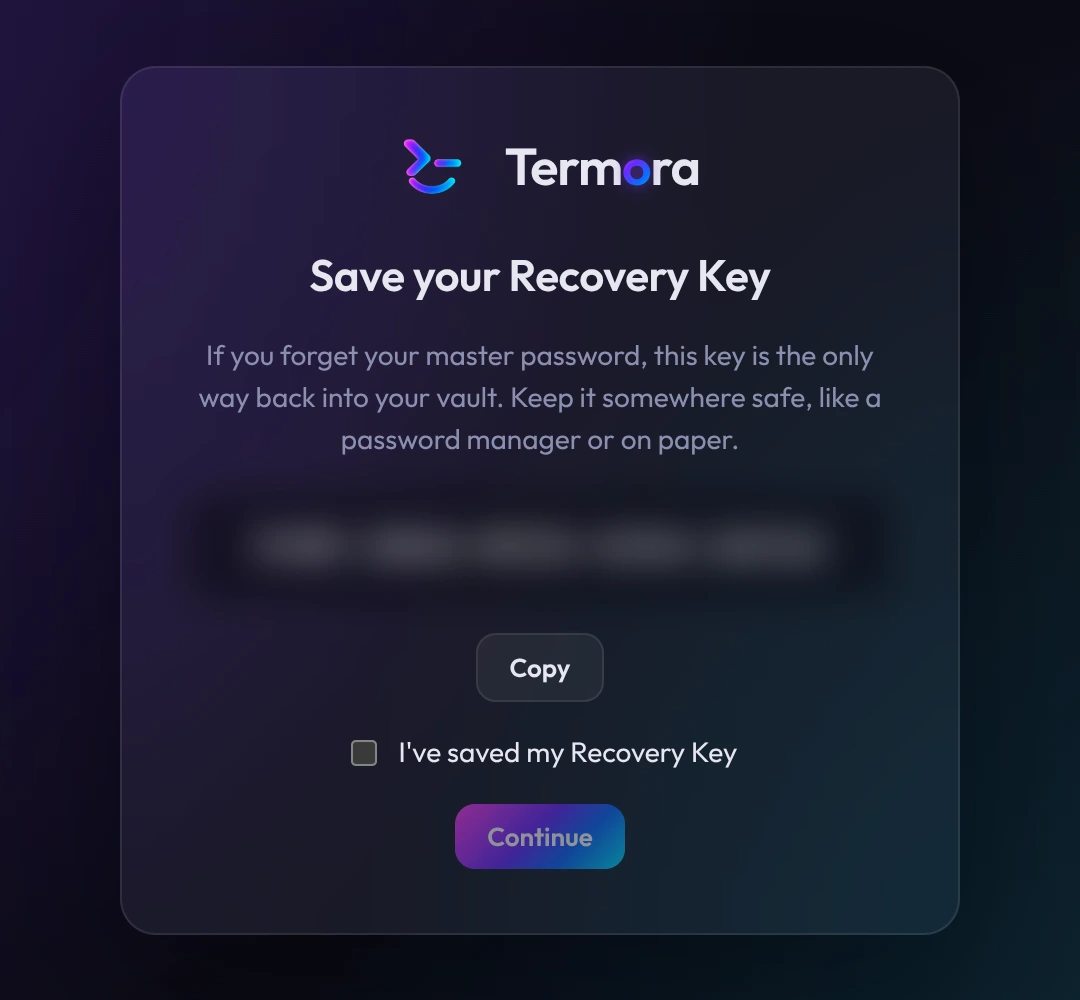
Save your Recovery Key
Use it if you forget your password. Print it or keep it in a password manager.
- 3
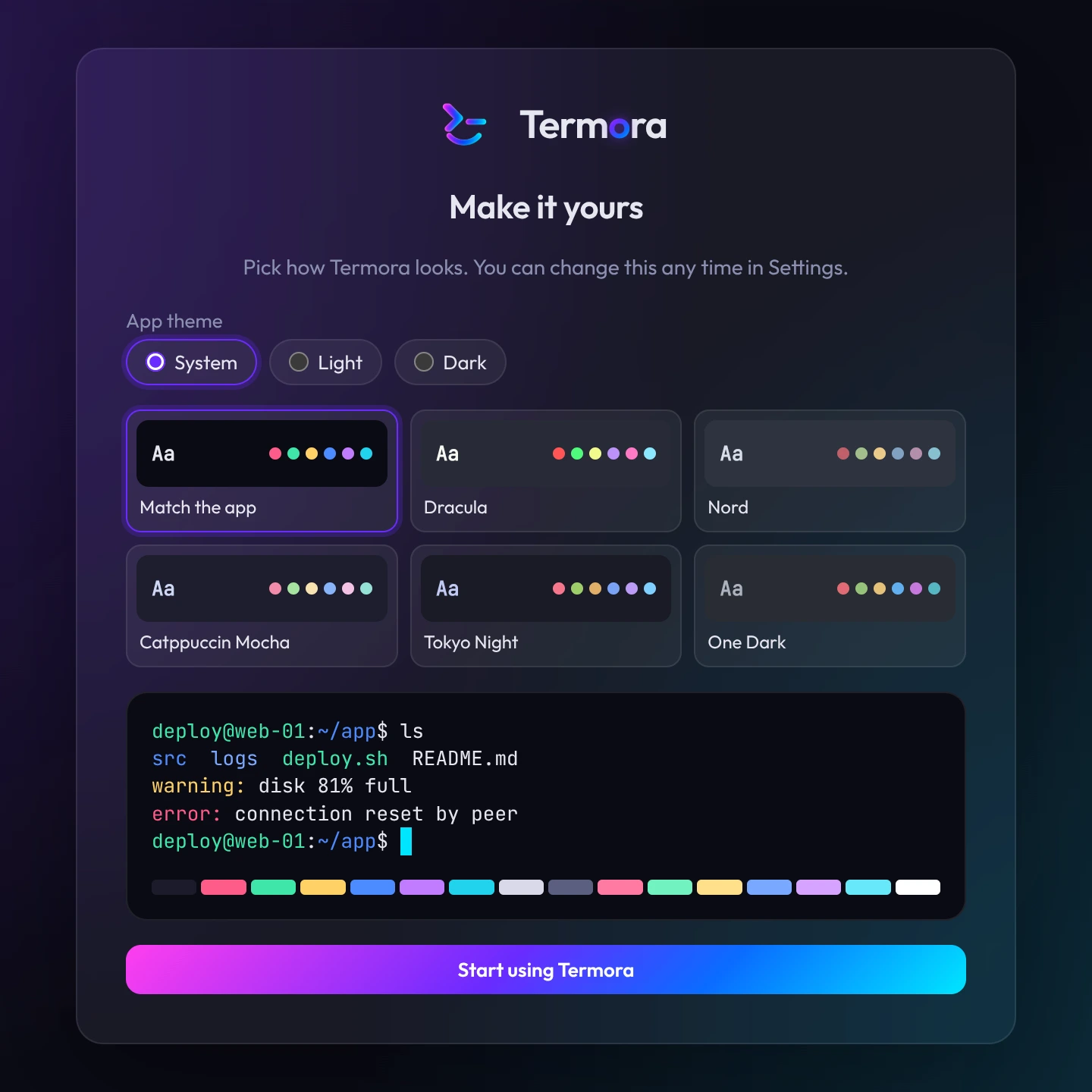
Pick a theme
Light or dark, and a terminal theme.
Download Termora
Free, with no account.