[ CODE In Vaulterm since 0.1.1 · 0.2 in the Beta channel ]
Vaulterm Code
A remote IDE over SSH.
A remote IDE over SSH, built into Vaulterm. Open a folder on this computer or on a server, and edit it in place.
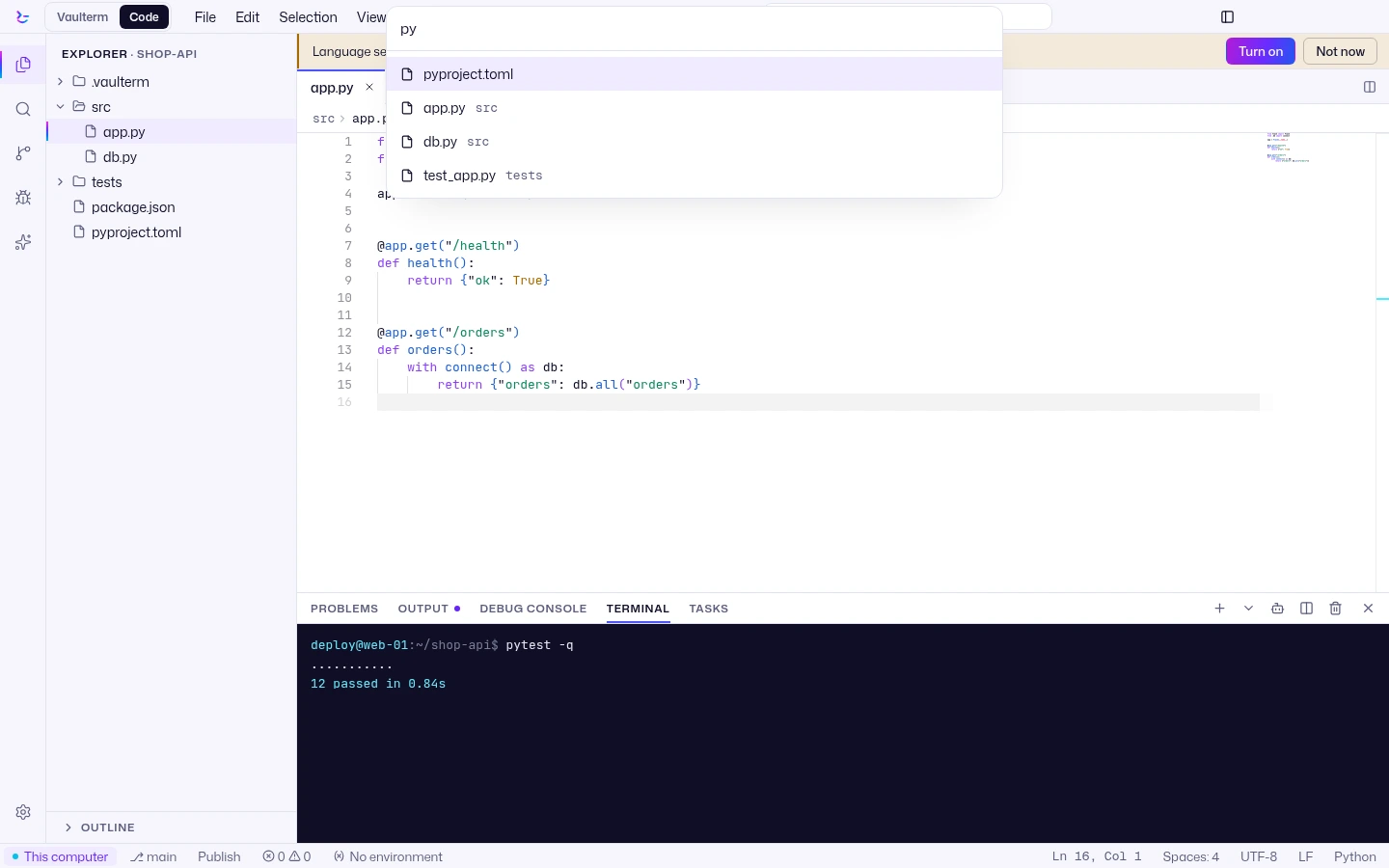
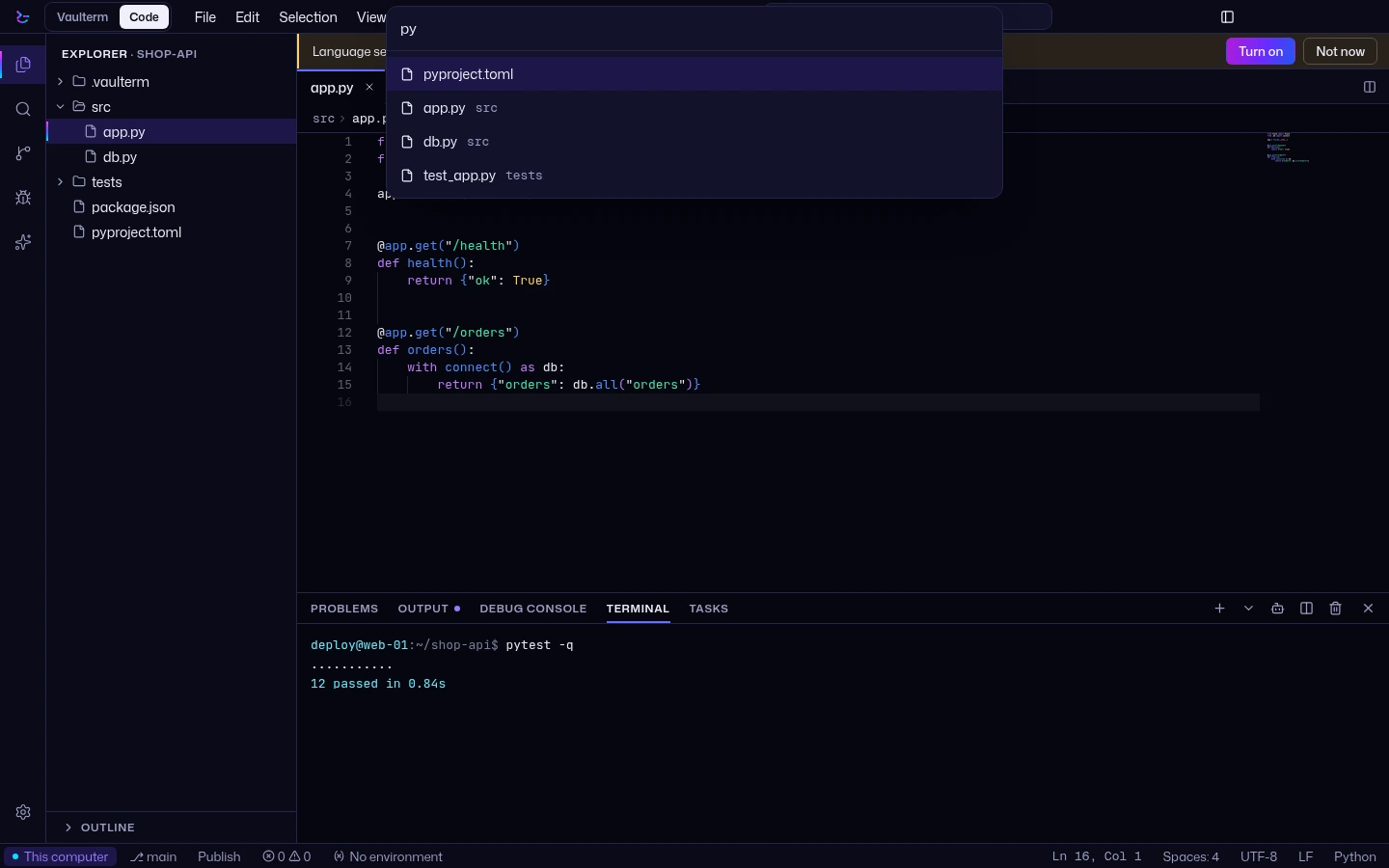
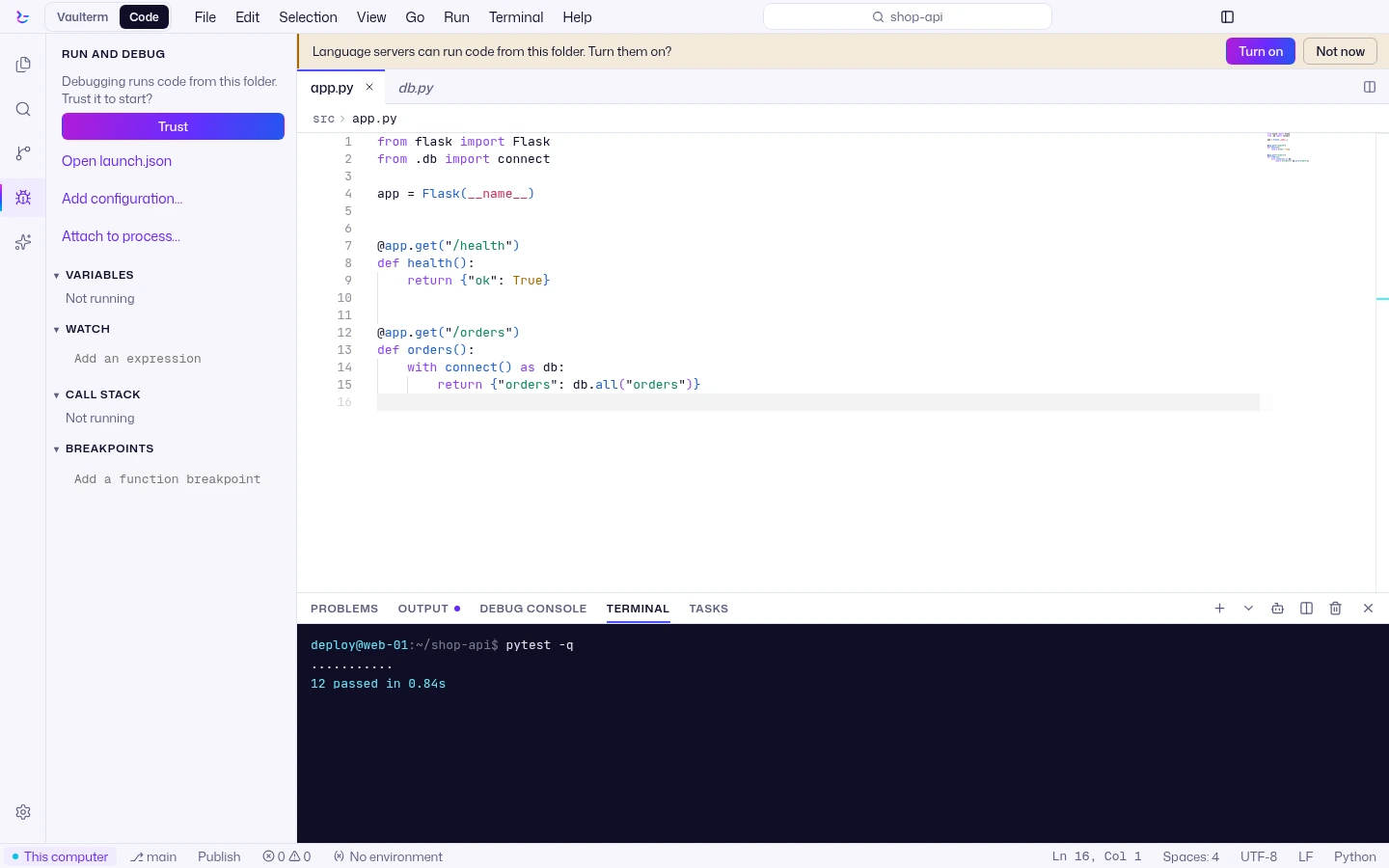
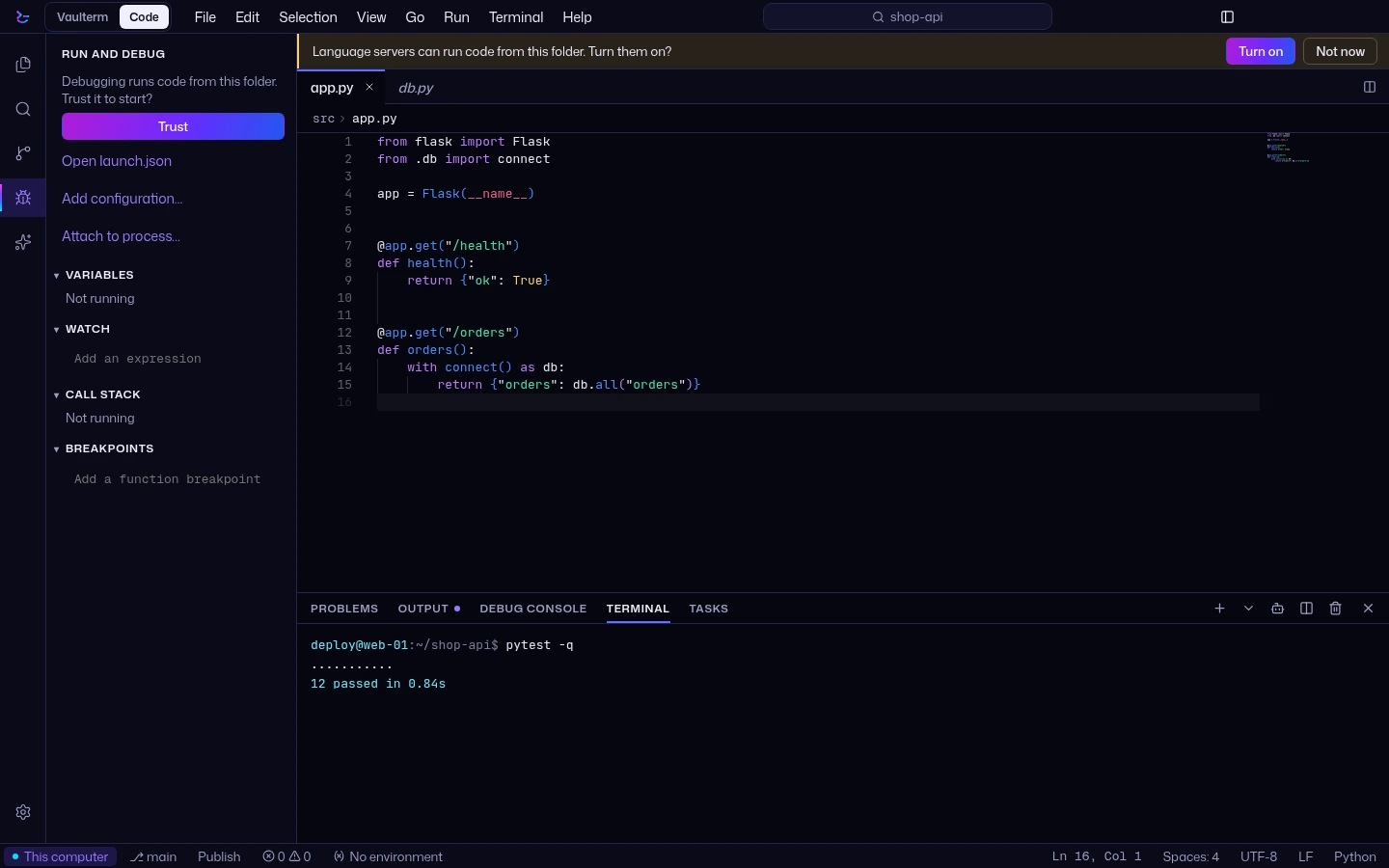
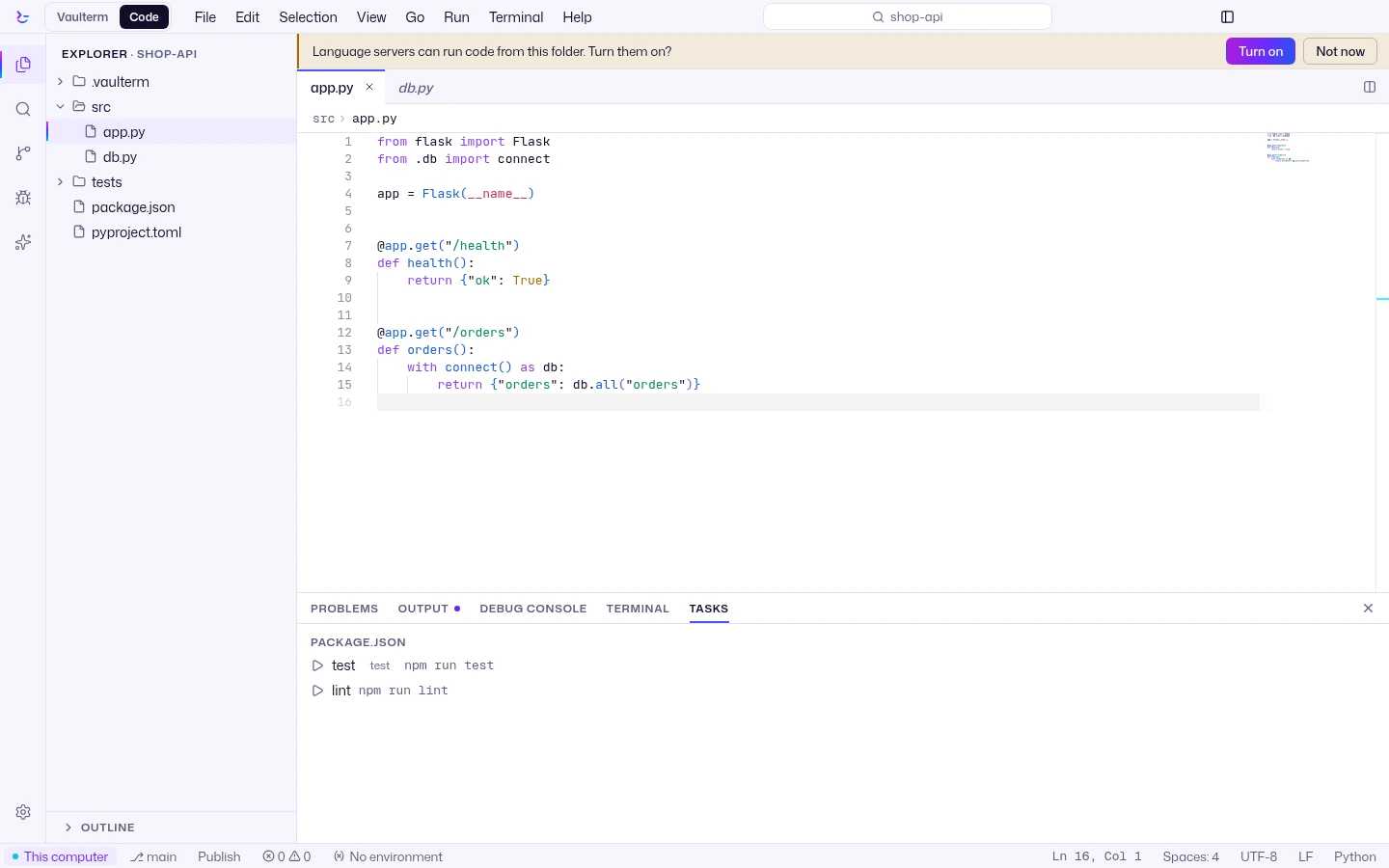
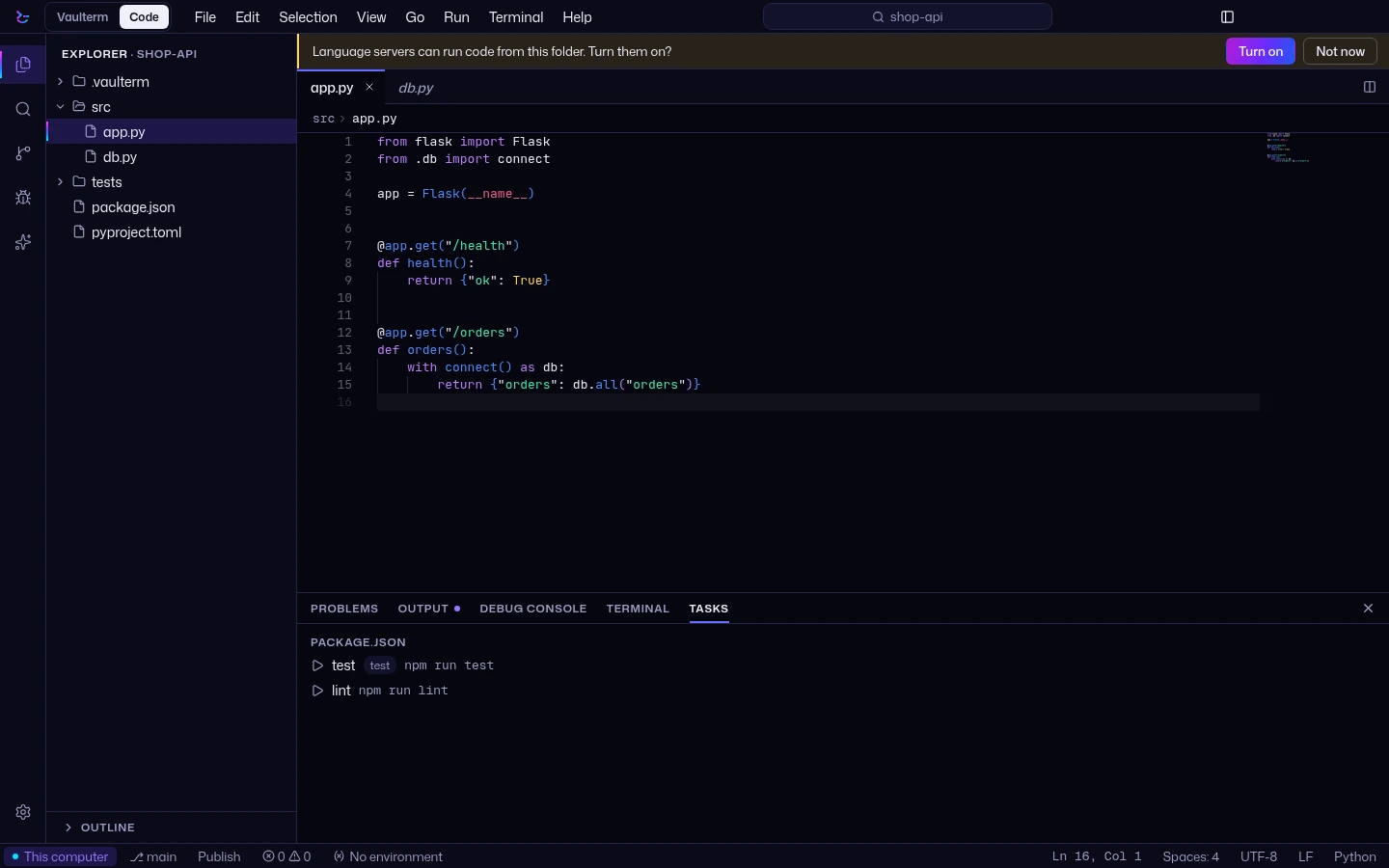
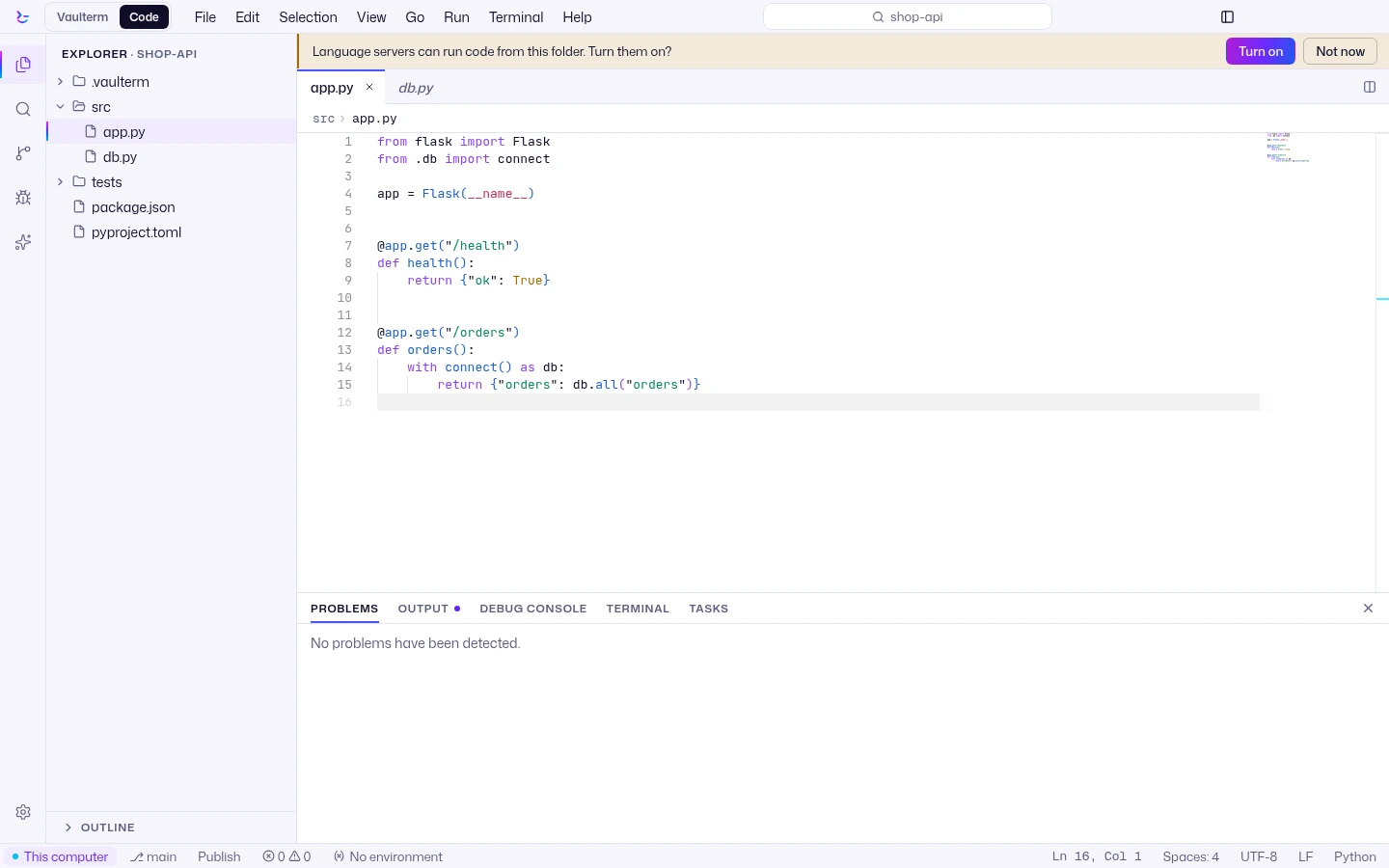
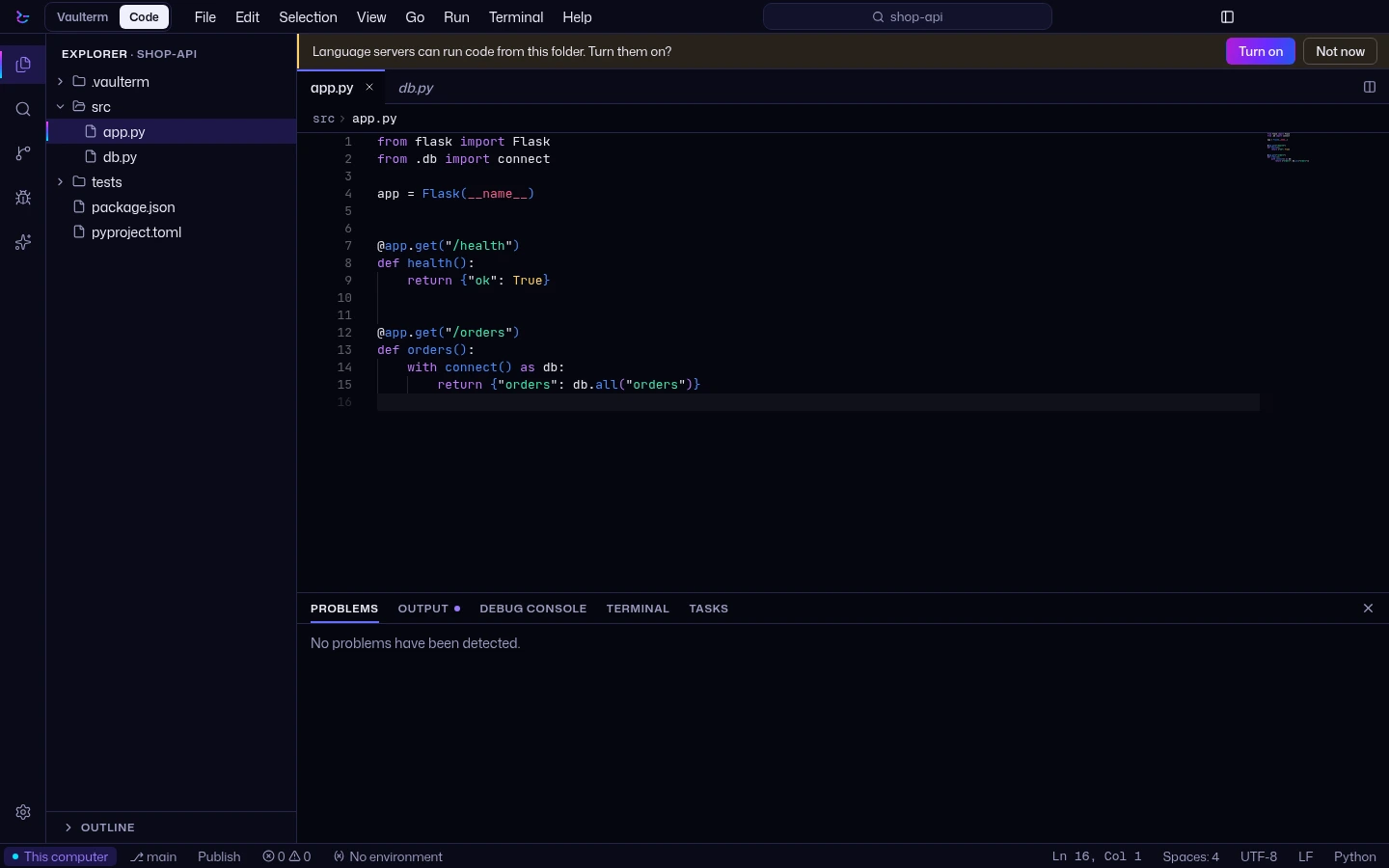
Vaulterm Code, in a picture
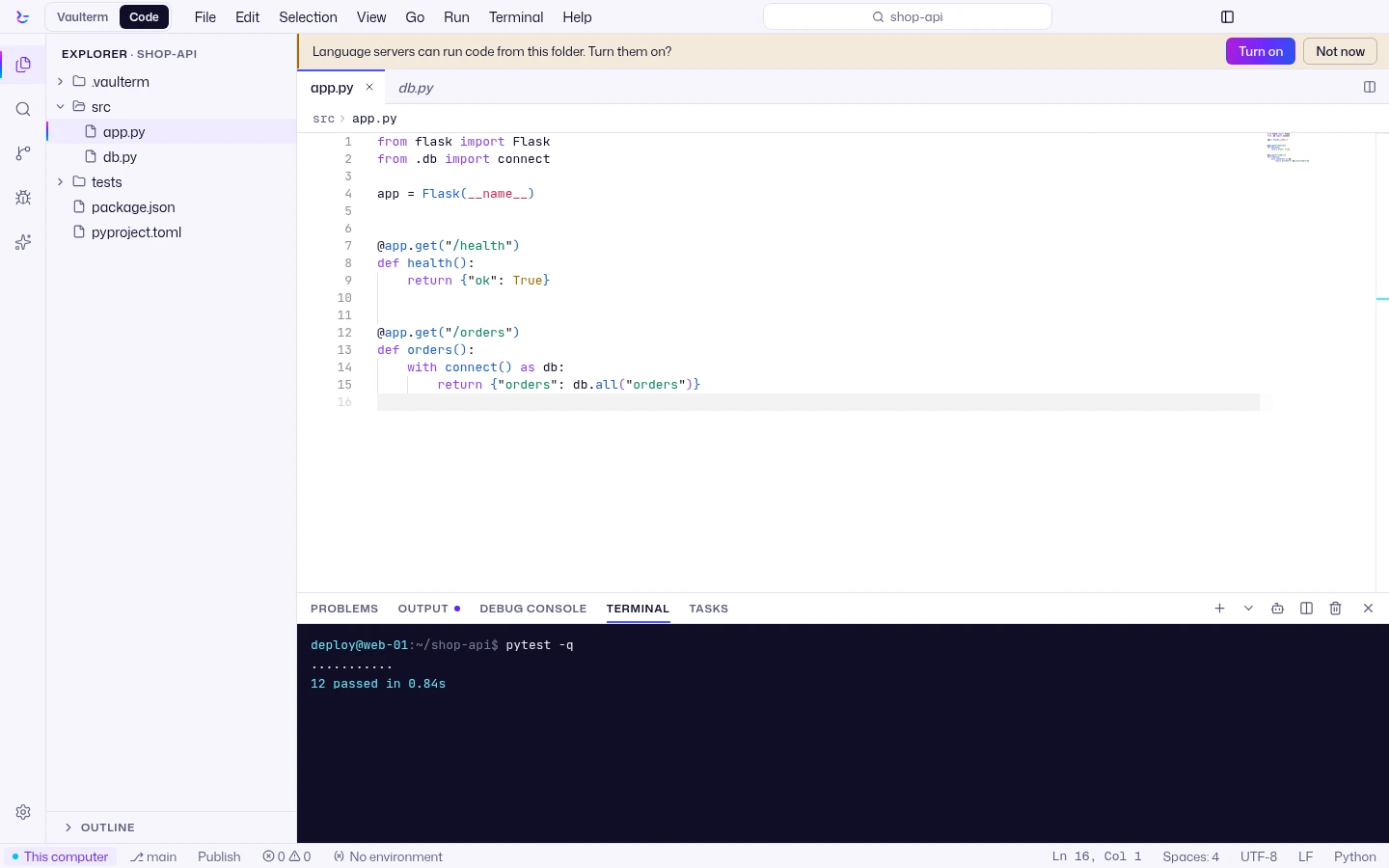
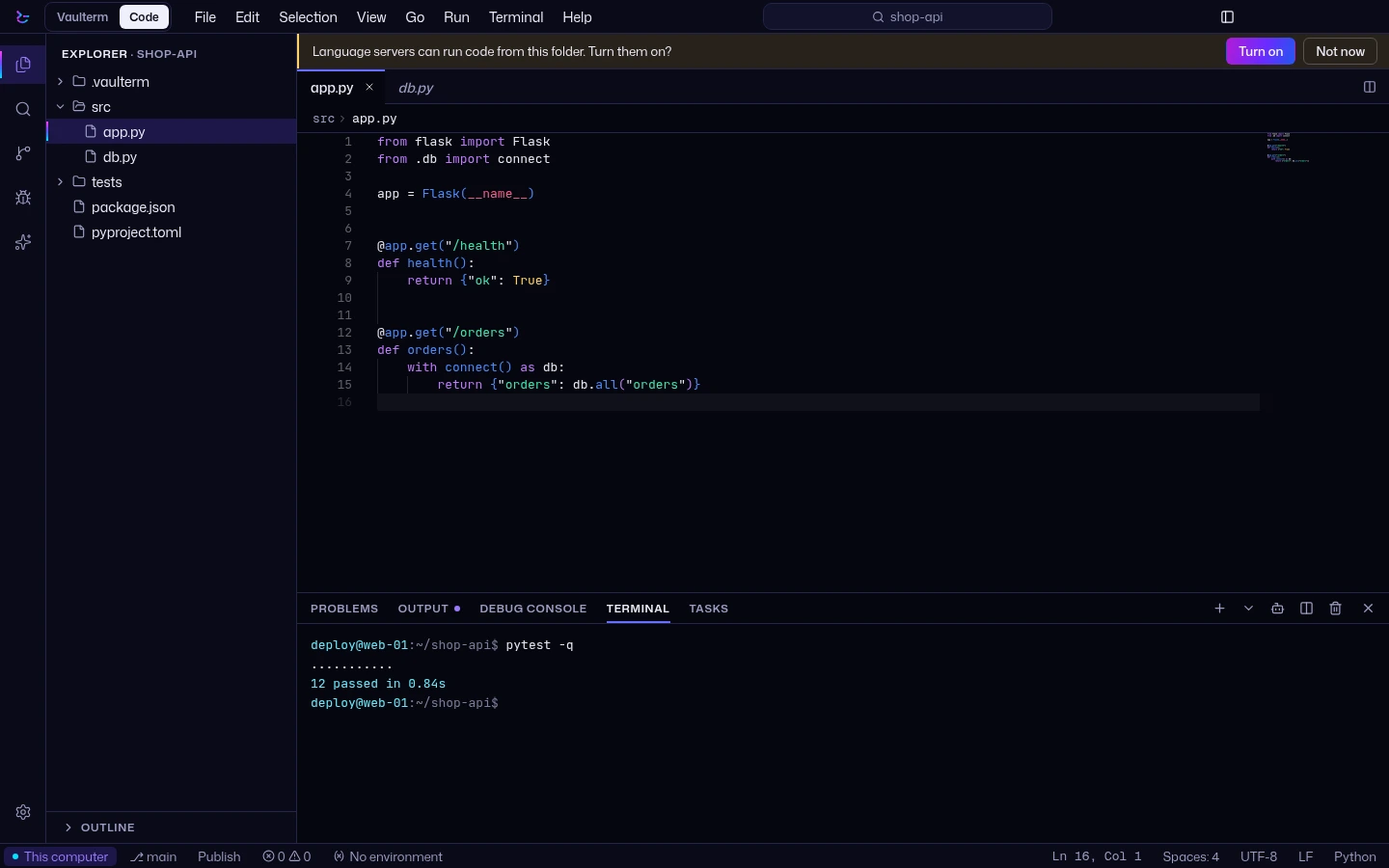
Edit files on a remote server
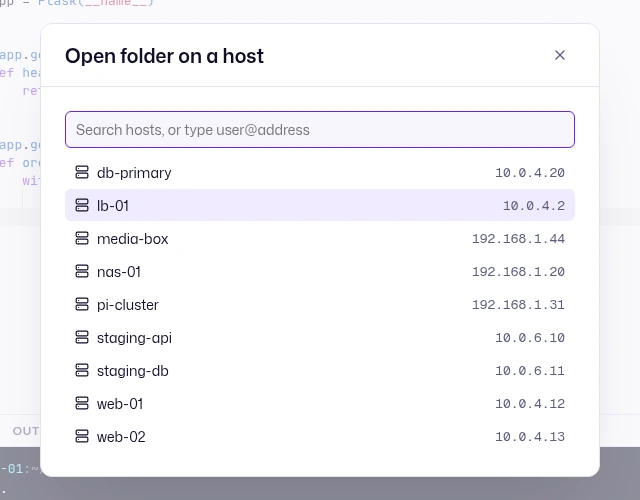
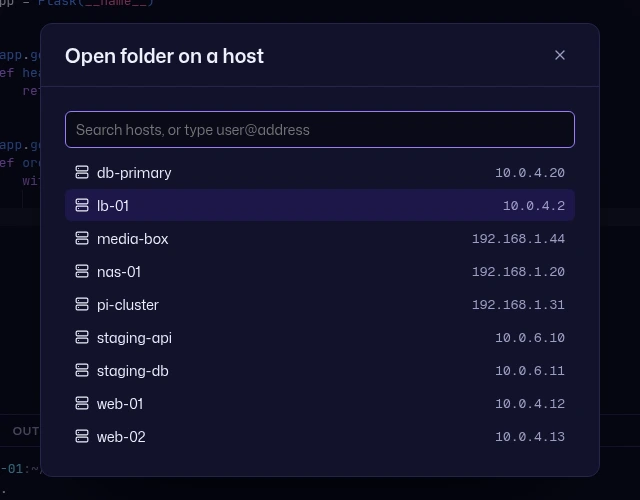
Open a folder on a saved server and edit it in place, over SSH, with its terminals, tasks and Git beside the editor. Nothing is copied to this computer first. Folders on this computer are Free. Folders on a server are Pro.
Projects on servers follow you through sync.
Some places are protected. A project opened at the home folder cannot reach your keys, credentials or Vaulterm's own profile, and search, quick open, watching, Git and agent reviews go through the same checks.
New in the 0.2 beta
A Claude panel that runs on your SSH server with your own Anthropic API key, asks before it acts, and stops vault secrets before they are sent. In the Beta channel.
VS Code themes, icon themes, languages and snippets from Open VSX, and signed Official add-ons with a blue check. In the Beta channel.
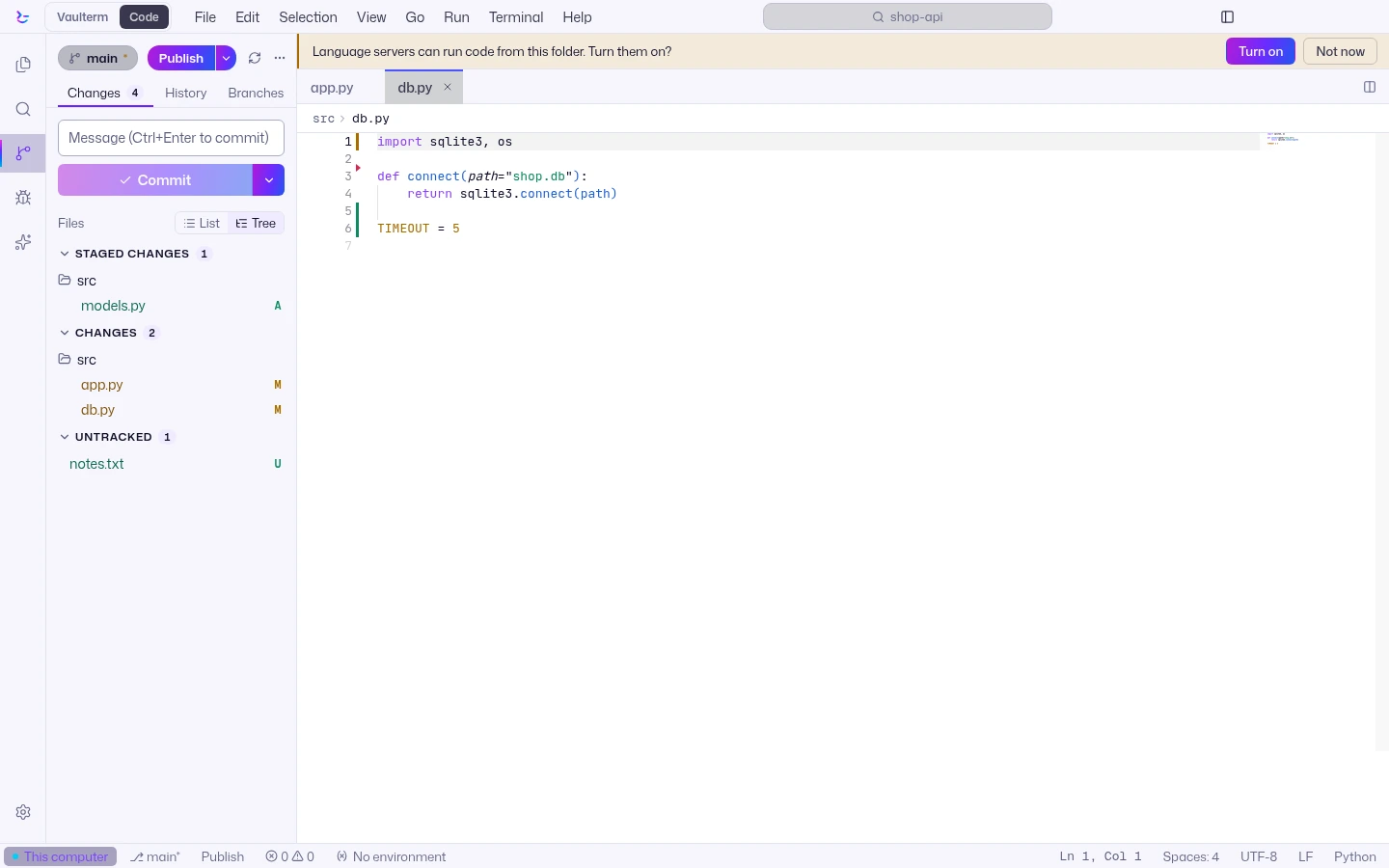
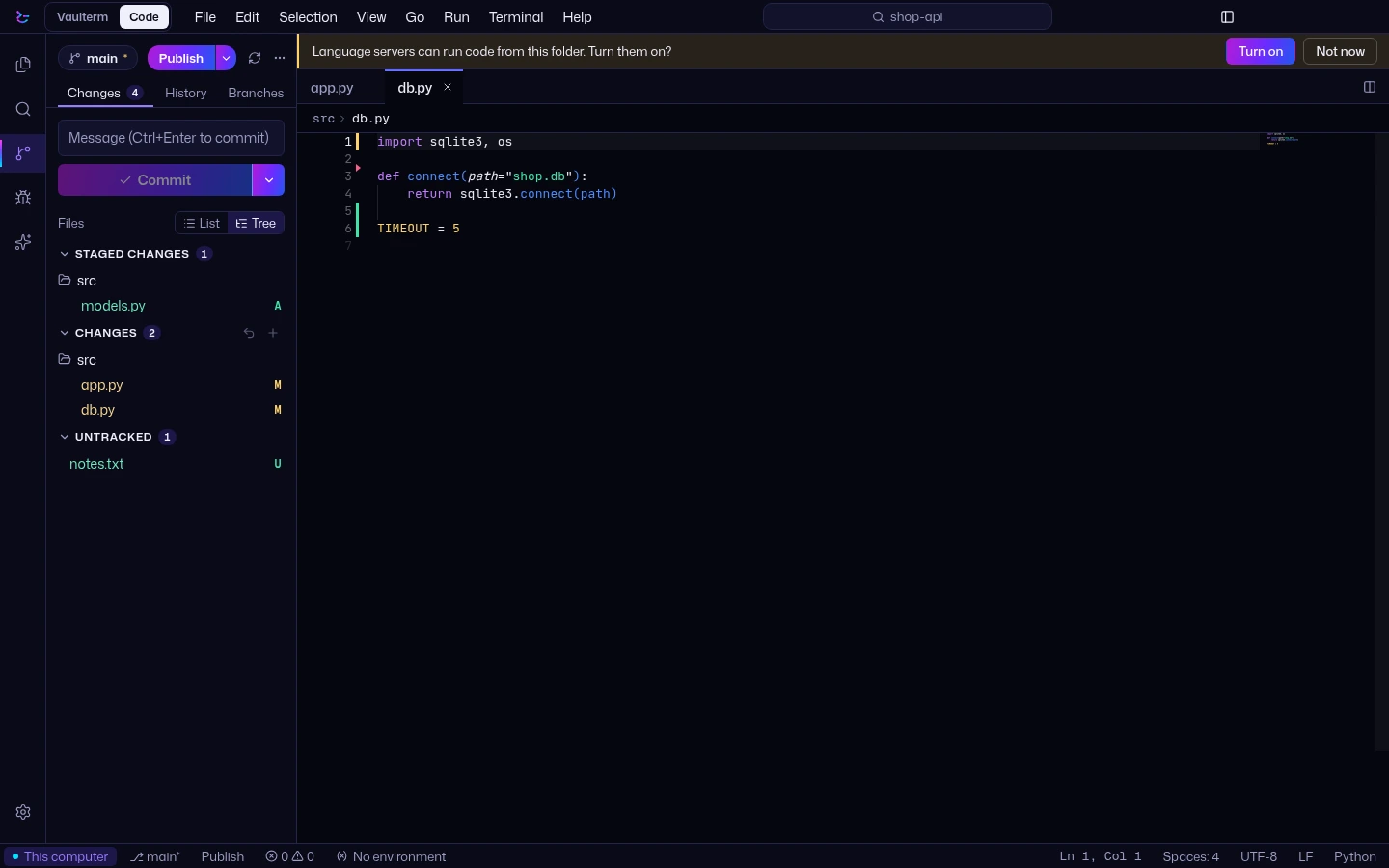
One sync button, a commit split button, Changes as a list or a tree, and History and Branches tabs. In the Beta channel.
Ctrl or Cmd with +, - or 0, or Ctrl and the mouse wheel. It applies to every window and is remembered. In the Beta channel.
The 0.2 items are in version 0.2.0-beta.1, not in Stable. Choose Beta in Settings, Updates, Channel.
Claude in Vaulterm Code Beta
In the Beta channel, a Claude panel runs on your SSH server with your own Anthropic API key (Pro). It asks before it acts, and stops vault secrets before they are sent.How Claude in Vaulterm Code works.
What runs where
Vaulterm Code puts no server of its own on the host. Language servers, debug adapters and Claude Code run on the host; if one is missing, Vaulterm offers to install it, and asks first.
Language servers stay off until you trust the folder. Terminals and tasks run in the project, on the same machine as the code.
Git on your servers
Source Control works on a folder on this computer (Free) and on a folder on a server (Pro). In Stable you get changes, staging by file or by line, commits, branches, stashes, pull and push, and a diff. Before each commit made in Source Control, Vaulterm checks the added lines for known key formats and your vault's own secrets. Pro adds history, blame, comparing branches and a merge editor.
Reworked in the 0.2 beta
- One sync button that publishes, pulls or pushes, as the branch needs.
- A commit split button: commit, then push or sync.
- Changes as a list or a tree, with each group folding away.
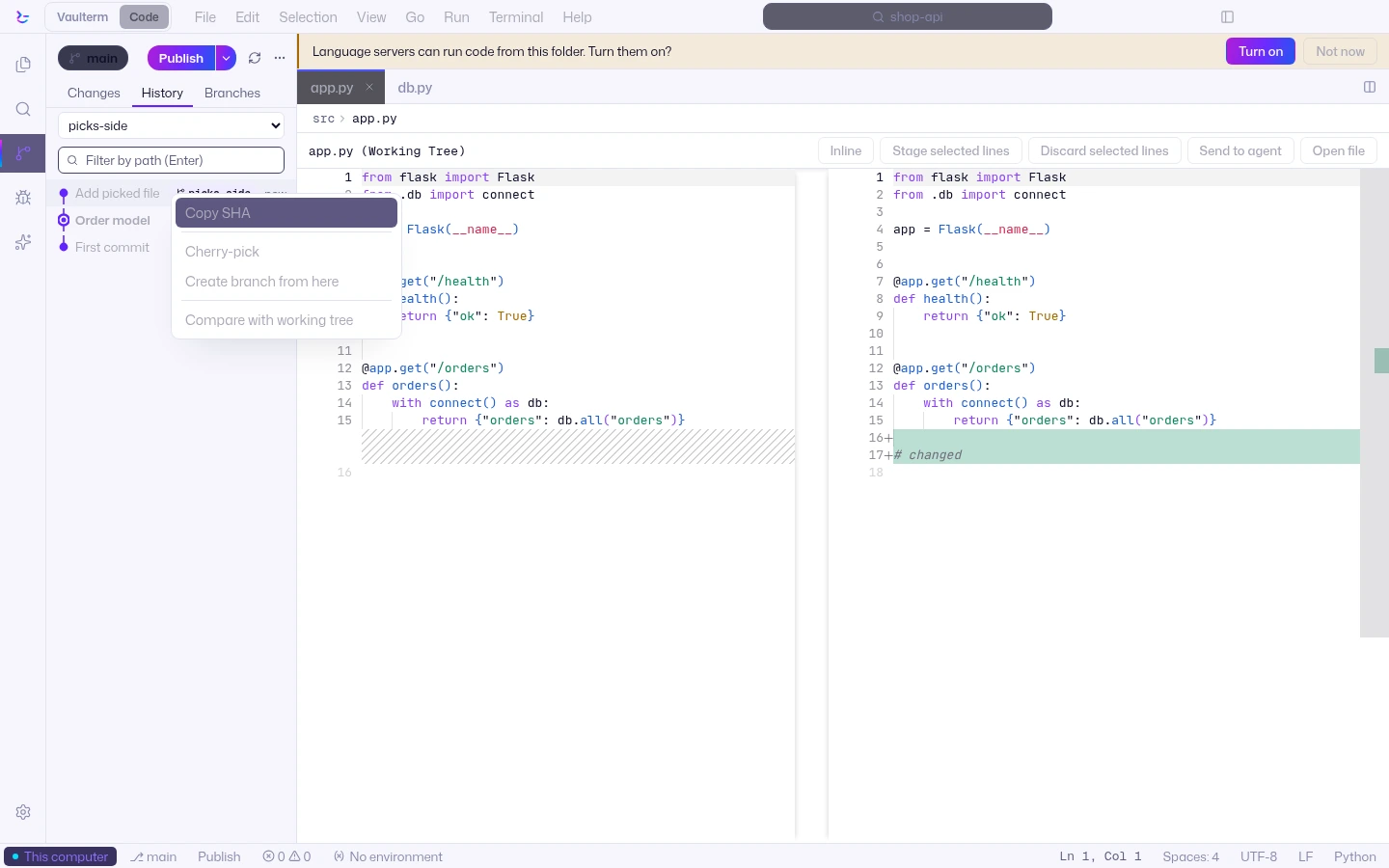
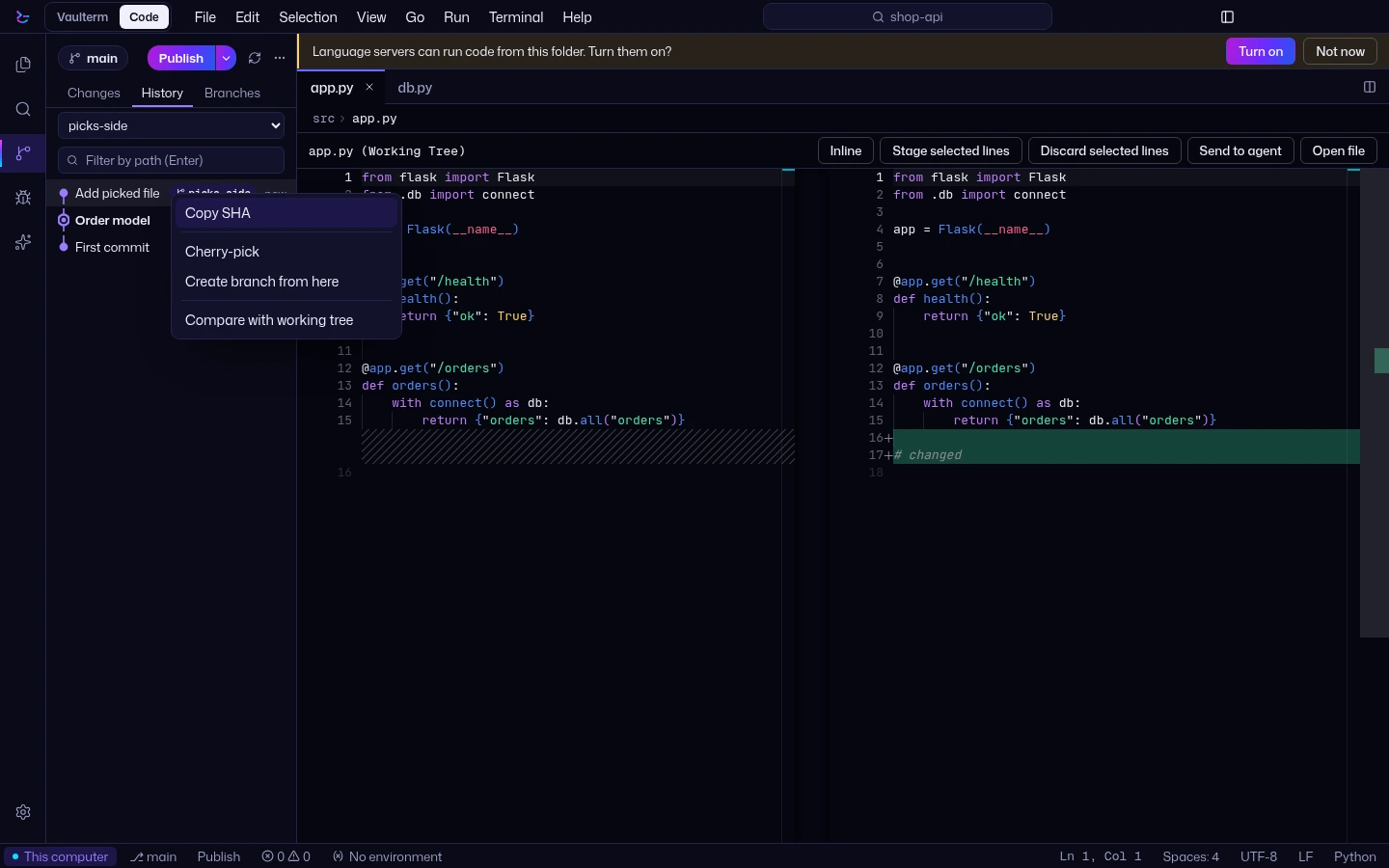
- A History tab for the current branch, all branches or one, with cherry-pick and revert in a commit's menu.
- A Branches tab and a branch popover.
- A banner when a merge, cherry-pick or revert stops on a conflict, with Abort.
These are in the Beta channel. History, blame, compare and the merge editor stay Pro. How to use them: the Beta channel.
What's in Vaulterm Code
The commands and shortcuts you know, with Cmd on a Mac, or switch to Vim keys.
Jump to a file by name, or run any command from the palette.
A live Markdown preview that draws Mermaid diagrams, and an image viewer.
Panel terminals start in the project folder, on the same machine as the code.
Found from package.json scripts, a Makefile, Cargo.toml, go.mod, pyproject.toml, a justfile, Compose or tasks.json. Matchers feed Problems.
Changes, line staging, commits, branches, stashes, pull and push. Before each commit made in Source Control, Vaulterm checks the added lines for known key formats and your vault's own secrets.
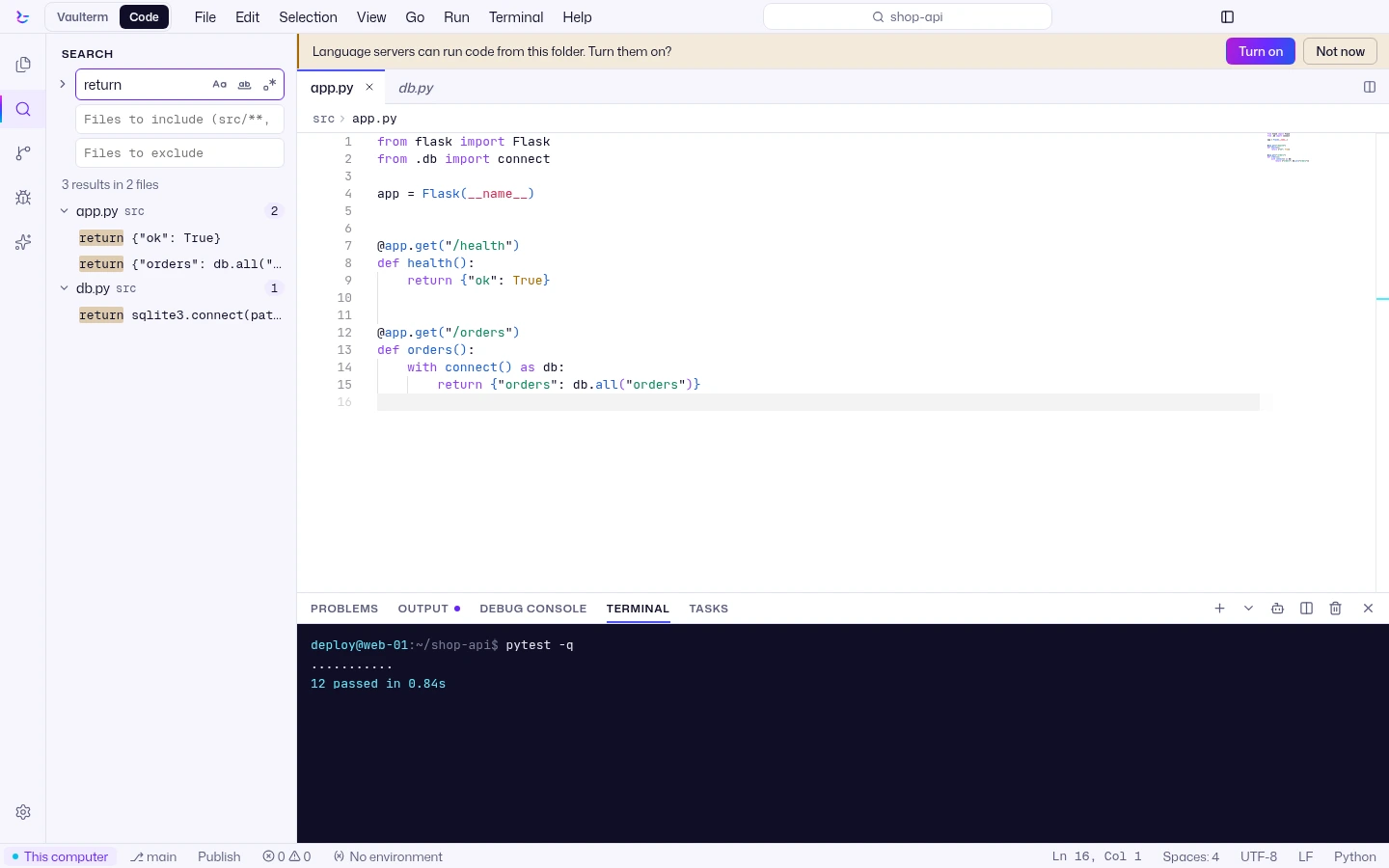
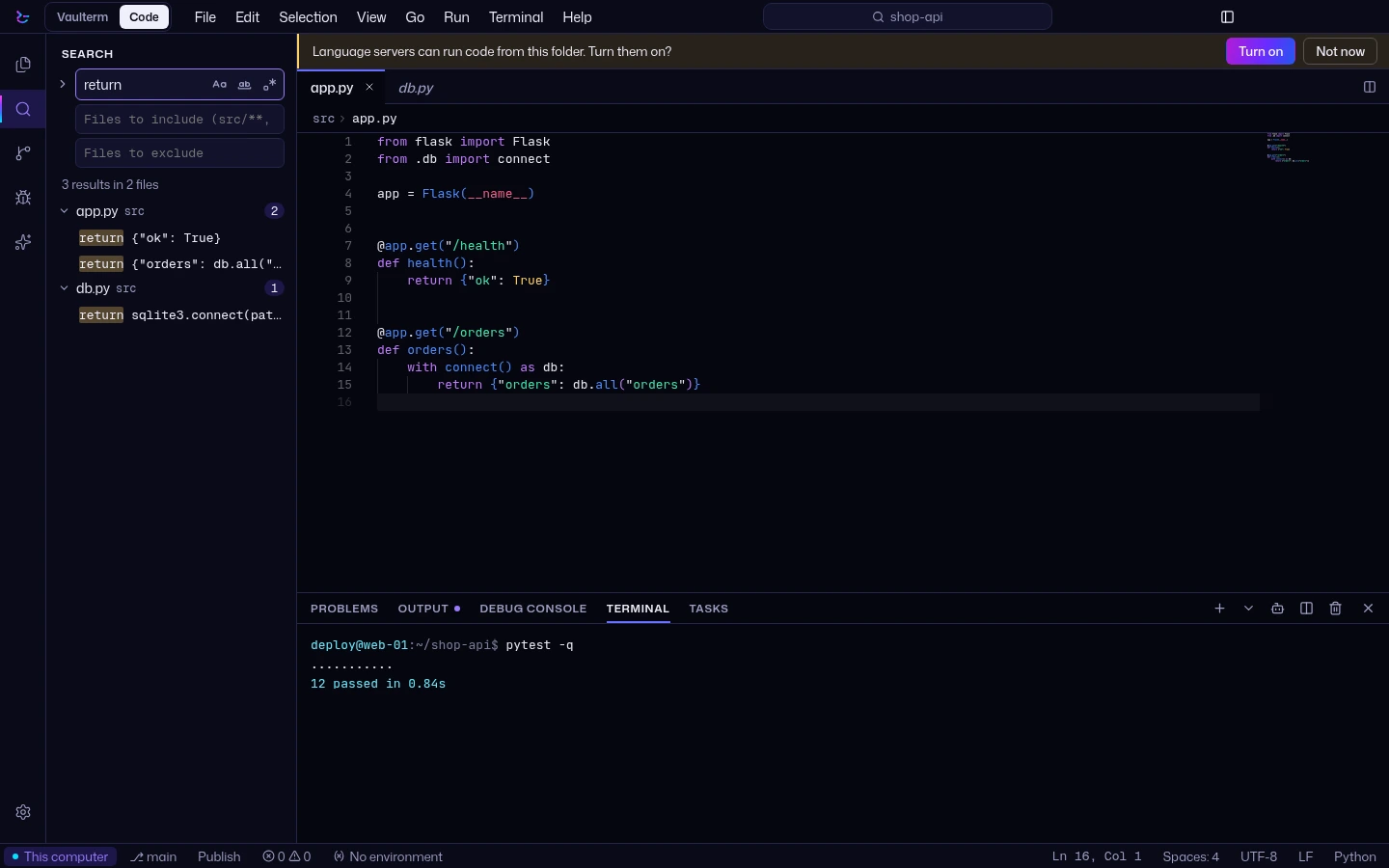
Search and replace across the whole project, on this computer or on a server.
Split editors, split terminals in the panel, and several folders in one project.
Completions, definitions and errors as you type, from 17 known language servers. They run on the machine that holds the code, and only in folders you trust.
Debug on the machine with the code: JavaScript and TypeScript, Python, Go, C, C++ and Rust (with lldb or gdb), PHP and .NET. cppdbg and Java configurations do not run yet.
Keep a project's .env in the vault. Terminals, tasks and debug sessions get the values with no .env on disk.
Start Claude Code, Codex or Gemini CLI in a panel terminal, then review Changes by agent, or run agents in parallel and compare.
Edit one file on up to 50 saved hosts, then write it host by host, with a check and a way to put it back.
Open and save files that your login cannot read or write. The sudo password goes over stdin only.
Open a running dev server's page in a tab, from this computer or through a tunnel from a saved server.
Vaulterm Code, in more pictures
Free and Pro
Free for folders on this computer, with terminals, tasks and Git. Pro for folders on your servers, Environments, debugging, language servers, search across files, split editors, Git history and, in the 0.2 beta, Claude.
See ProQuestions
Is Vaulterm Code a separate app?
No. It is part of Vaulterm: the same install, opened in its own window.
Does it run VS Code extensions?
Themes, icon themes, grammars and snippets only. No extension code runs. In the 0.2 beta, the extension store installs them from Open VSX.
Which AI does it use?
Claude, in the 0.2 beta, on Pro, with your own Anthropic API key. How Claude works in Vaulterm Code.
Does it install anything on my server?
Vaulterm Code puts no server of its own on the host. Language servers, debug adapters and Claude Code run on the host; if one is missing, Vaulterm offers to install it, and asks first.
Can I edit files on a server over SSH for free?
Folders on this computer are Free. Folders on a saved server are Pro. See Pricing.