[ BETA Vaulterm Code · Extension store ]
Make Vaulterm Code look
and read the way you like.
Make Vaulterm Code look and read the way you like. The extension store installs VS Code themes, icon themes, languages and snippets. It is in the Beta channel, version 0.2.0-beta.1.
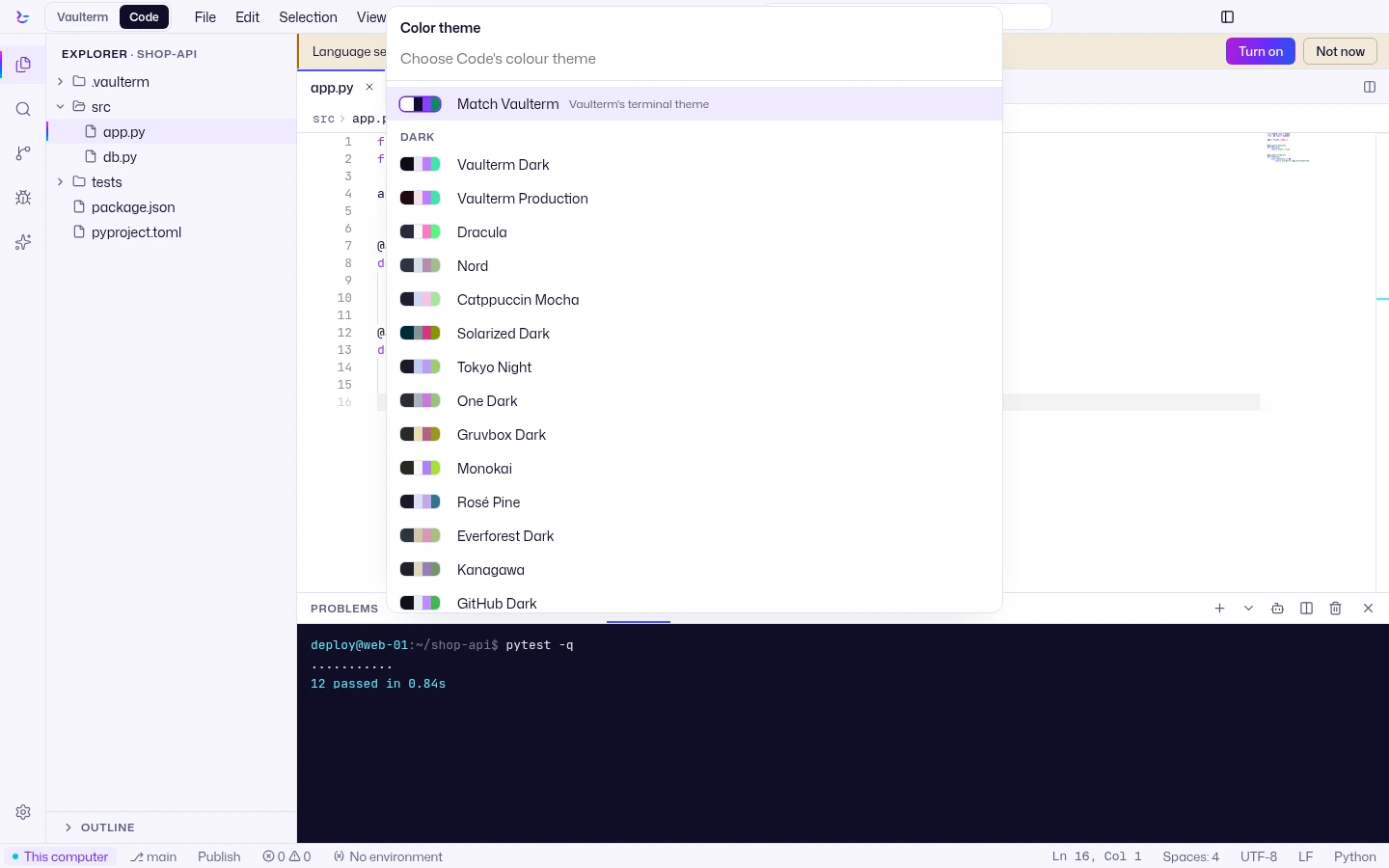
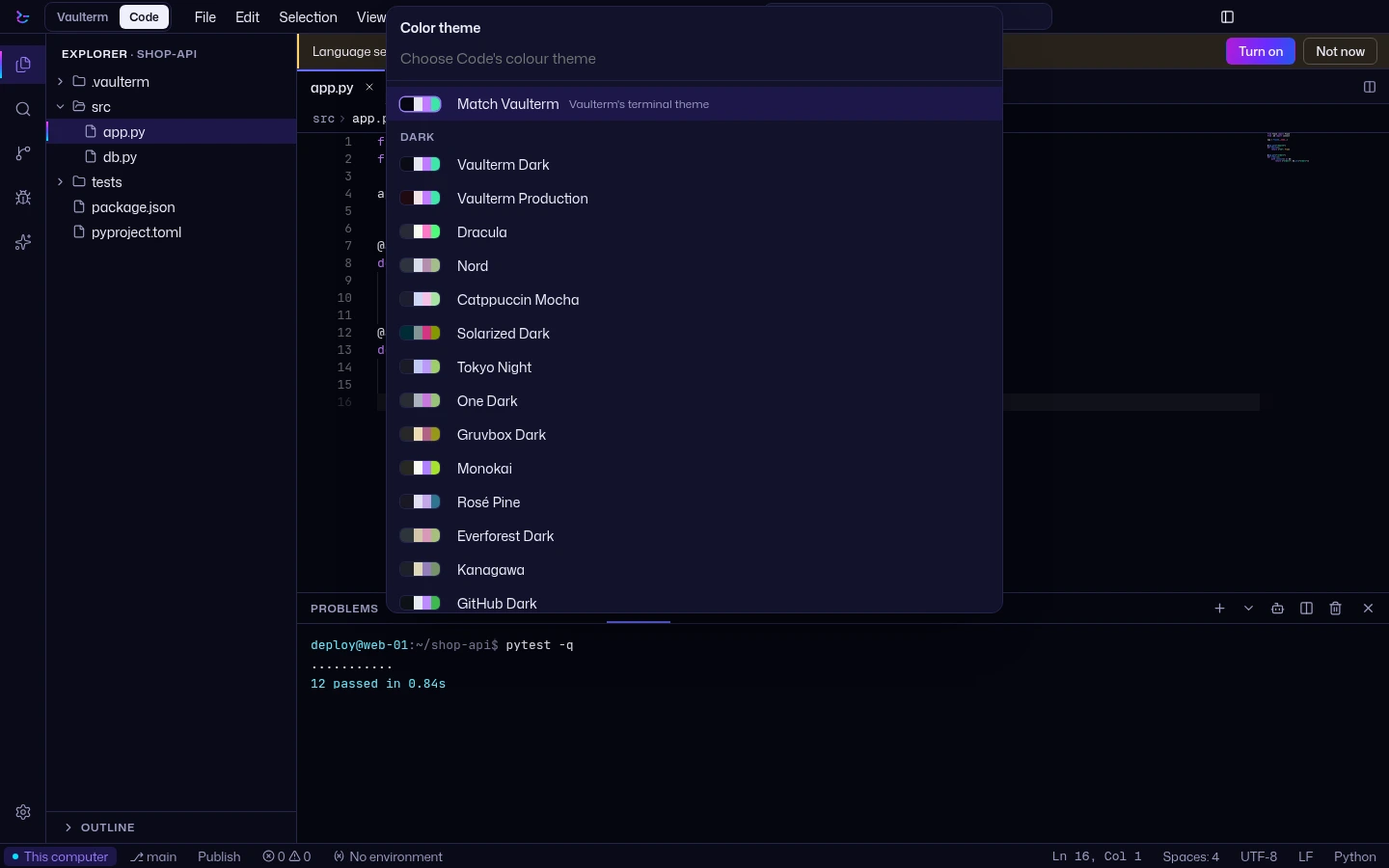
The colour theme picker
From Open VSX
The store installs four kinds of extension from Open VSX. Open VSX is the Eclipse Foundation's open registry of VS Code extensions, free to publish to and to use. Vaulterm fetches the catalog through its own proxy at api.vaulterm.com, so Vaulterm Code does not talk to the registry directly in its default setting.
Vaulterm does not use Microsoft's Visual Studio Marketplace. Not every extension is on Open VSX, and many of Microsoft's own extensions are not. If a theme you use is missing, check the registry for it before you look for it in the store.
Colour themes for the editor, with a live preview in the picker.
The file icons in the explorer.
TextMate grammars plus language configuration, for highlighting, brackets and comments.
The snippet files an extension ships, usable in the editor.
Declarative only
An extension from Open VSX installs as data. Its colours, grammars, icons and snippets load, and no extension code runs. Commands, views, webviews and debuggers from VS Code extensions are not supported.
That is a deliberate limit. A theme cannot read your project, open a network connection or start a process, because nothing in it runs. It also means this is not a way to bring a full VS Code extension across: the store does not run any VS Code extension.
You can also install from a VSIX file you already have. If the file holds code as well as a theme or a grammar, Vaulterm Code installs it and marks it as partly supported: code not run. The declarative parts work, and the code does nothing.
Official Vaulterm add-ons
Official add-ons are the exception to declarative only. WarPulse, the company behind Vaulterm, makes them and signs them with an Ed25519 key. Vaulterm checks the signature every time an add-on loads, and an add-on that is not signed by WarPulse is refused. Official add-ons wear a blue check.
An Official add-on runs sandboxed, and it can only do what it declares. The permissions show when you install it, and there is no permission for the vault.
Read files in the project.
Write files in the project.
Reach the named hosts, and only those.
Run programs.
Use terminals.
Vaulterm also keeps a kill list, fetched from api.vaulterm.com, and an add-on on it is revoked. For now only Official add-ons with code can be installed, and the catalog may be empty when you open it: Official add-ons are coming as we build them.
Verified or Official
Open VSX marks some publishers as verified. That is a plain Verified publisher tick: it means the publisher has claimed the namespace of the extension. Vaulterm Code shows it as it is, and it never gets the blue check.
The blue check means one thing: the add-on is an Official Vaulterm add-on, made and signed by WarPulse. A Verified tick on a theme tells you who published it. It does not mean WarPulse made it, or reviewed it.
Questions
Can I install any VS Code extension?
No. Vaulterm Code installs themes, icon themes, languages and snippets. Extensions that need code to run are not supported.
Is Microsoft's Visual Studio Marketplace used?
No. The store reads Open VSX, and not every extension is on it.
Which release has the store?
Version 0.2.0-beta.1, in the Beta channel. Choose it in Settings, Updates, Channel. See Download.